Create your WordPress site with AI in 60 seconds.































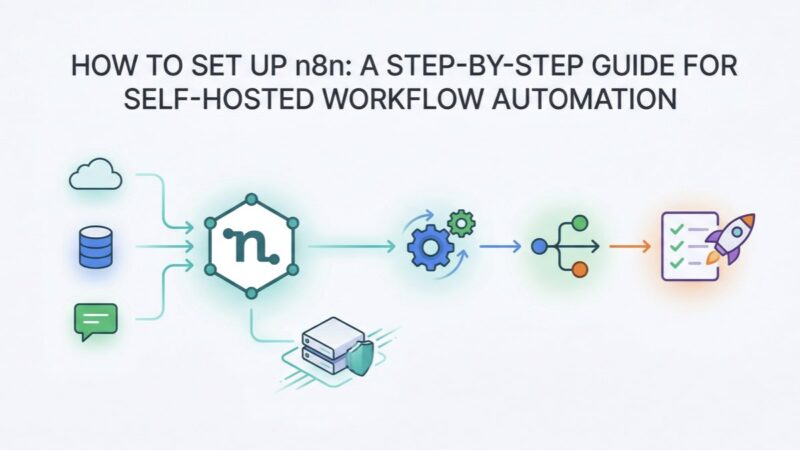
n8n is an open-source business process automation solution that allows developers, analysts, and other users to effectively manage and create complex workflows. n8n is widely used on AI based tasks and integrations. It is an integration platform that supports over 300 different applications, streamlining workflows and automating daily tasks without the need for extensive coding.
By setting up n8n on a VPS (Virtual Private Server), you can easily manage servers, collect data from various sources, integrate your CRM system with other services, and much more. Furthermore, n8n can connect to OpenAI, Anthropic Claude, Hugging Face, Stability AI, and other artificial intelligence models to automate text generation, data processing, content analysis, chatbots, and many other operations.
While the platform can be installed with a single click, server rental costs vary depending on the specific configuration. The graphical interface of this open-source workflow automation and management solution allows you to define logical conditions, transform data, and monitor workflow execution in real-time.
Additionally, n8n offers several useful features such as customisable triggers and actions, integration with version control systems, data backup, and workflow debugging capabilities. This makes n8n an ideal tool for developers, business analysts, and users who require effective business process automation and integration between multiple applications. Overall, n8n is a powerful platform that helps businesses increase efficiency, optimise processes, and improve productivity.


What is n8n and Why Do You Need It?
n8n (node for node) is a powerful process automation tool that does not require advanced programming skills. It utilizes drag-and-drop functionality and allows you to connect hundreds of services, from Telegram and Gmail to Google Sheets, Notion, and OpenAI.
n8n is similar to paid solutions like Make.com and Zapier, but it offers unlimited operations and scenarios. It is particularly valuable for small businesses, marketers, and anyone who wants to automate everything without having to write code.
When compared to Zapier, n8n often stands out in terms of flexibility and price. A self-hosted deployment provides total control, while the cloud version makes it easy to get started. While Zapier may be simpler for certain SaaS scenarios, n8n offers more powerful “n8n code nodes” and the option to host it on your own network.
In Which Scenarios is n8n Used?
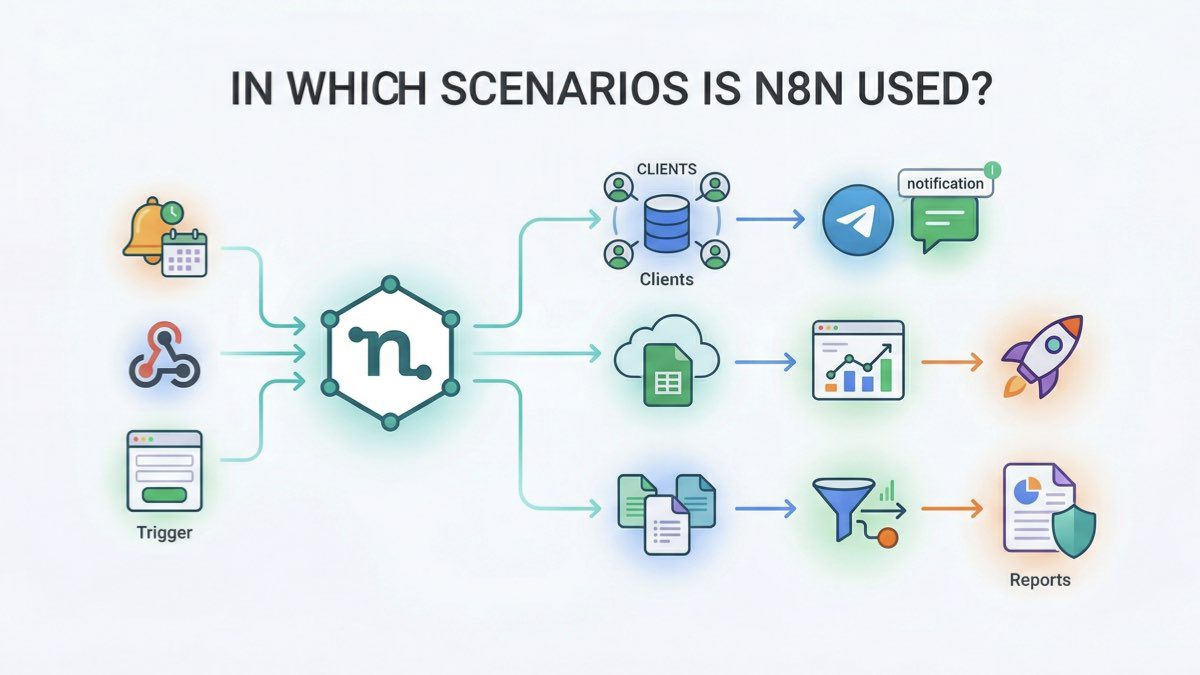
Below are some of the most common scenarios where n8n is utilised:
E-commerce Automation
n8n is suitable for processing orders and post-purchase events. Scenarios can retrieve data from an online store, check payment status, update information in a CRM or accounting system, send notifications to customers and managers, and trigger follow-up actions such as transferring an order to a delivery service or warehouse system.
Marketing Campaigns
The service can be used to segment customers based on their behaviour, traffic source, or purchase history, and then launch personalised email sequences. Advertising platform APIs allow you to set up retargeting on Facebook and Google Ads, automatically update audiences, and manage campaigns. n8n is also used for A/B testing of ad content, where the system automatically collects results, compares metrics, and identifies the most effective options.
Content Management and SEO
It can be used to parse news feeds or RSS sources. Materials are then automatically published in a CMS or on blogs. AI integrations can generate SEO-optimised meta tags and descriptions, process text before publishing, and optimise images by compressing and formatting them appropriately. Additionally, you can perform cross-posting on social media and adapt content for different platforms.
SEO Monitoring
Using search engine APIs, you can track your website’s ranking for keywords, collect organic traffic data, and monitor changes. You can also configure the monitoring of platforms where the brand and competitors are mentioned, perform automatic SEO site audits, and set up regular reports to be sent via email or business chats.
Customer Service and Support
Incoming messages can be categorised by subject and priority, and critical requests can be automatically escalated and forwarded to help desk systems. Notifications can also be configured in Slack or Microsoft Teams to ensure the team responds quickly to important events.
How to Install n8n?
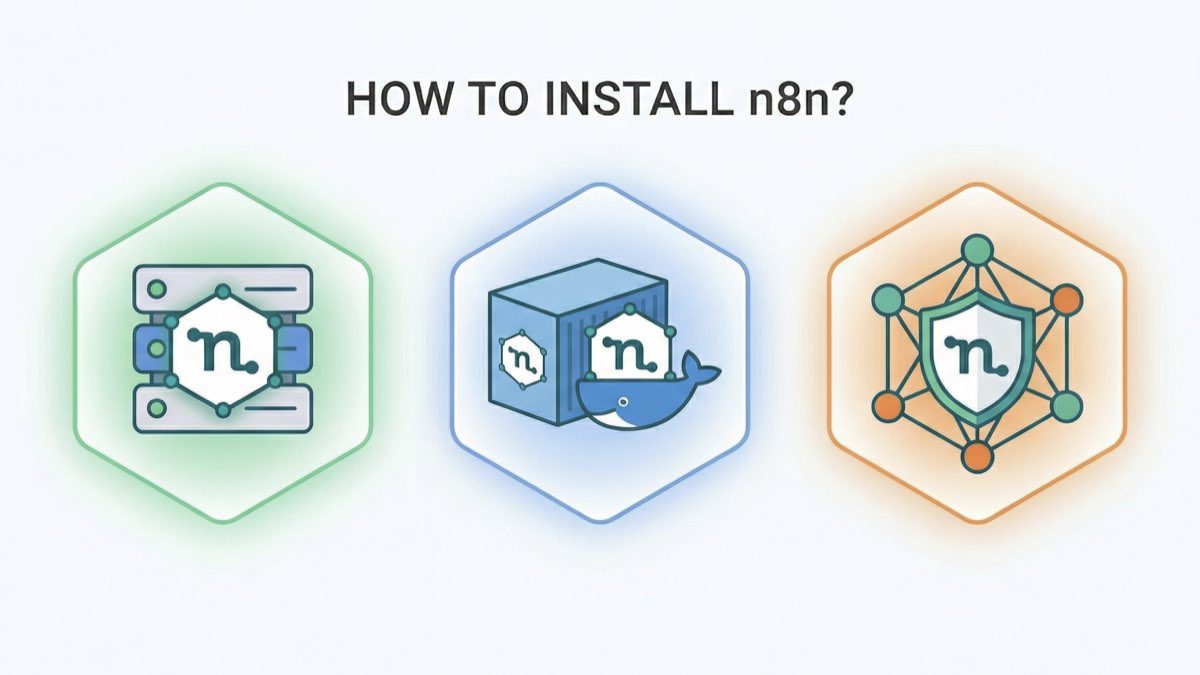
One of the most significant features of n8n is its self-hosted installation. This version, which can be deployed for free on your own server or local computer, provides full control over your data and operational logic.
Advantages of self-hosting include:
- Continuous Availability: Unlike a local installation, n8n on a server runs 24/7 and does not depend on a computer being turned on or a user being logged in.
- Full Data Control: All logs, tokens, API keys, and workflow data are stored locally without being shared with third parties.
- No Pricing Constraints: There are no limits on the number of workflows, steps, executions, or integrations, unlike cloud-based versions.
- Free Usage: Self-hosted installations use the open-source version without a monthly subscription fee.
- Flexible Configuration: You can customise the environment, versions, backups, access, and security according to your needs.
- Integration with Internal Services: Provides direct access to local and private APIs, databases, and systems that cannot be connected from the cloud.
So, how does the installation process work?
1. Choose an Installation Option
You can start using n8n via the cloud version at n8n.cloud or by installing it on your computer or server.
2. Server Setup
Follow these step-by-step instructions for server installation:
- Rent a VPS: Rent a VPS with file manager access to facilitate file creation and editing.
- Select an Operating System: Although Ubuntu 18.04 or 20.04 is generally preferred, other popular Linux distributions like Debian 10+ or CentOS 7+ are suitable since the system runs on Docker. Due to the Node.js infrastructure, it can even be installed on Windows Server or macOS, but a lightweight Linux distribution is always best for resource efficiency and stability.
- Login to the Server via Command Line: After purchasing a VPS, you will receive the IP address and password. You can use Shift + Insert to paste your password into the command line.
Install Docker: You will need Docker to install n8n. Use the following commands for Ubuntu:
apt update
apt install apt-transport-https ca-certificates curl software-properties-common -y
curl -fsSL https://download.docker.com/linux/ubuntu/gpg | sudo apt-key add -
Then, install docker-compose:
sudo apt-get install docker-compose -y
- Create a .env File: Create a .env file in the project folder and fill it with the necessary parameters (e.g., username, password, and web address).
- DNS Setup: To access n8n via a domain name, add an A record to your domain’s DNS settings with your VPS server’s IP address.
3. Start n8n with docker-compose
Create a docker-compose.yml file with the following configuration:
version: '3'
services:
  n8n:
    image: n8n-io/n8n
    ports:
      - "5678:5678"
    environment:
      - "N8N_PORT=5678"
      - "N8N_HOST=0.0.0.0"
      - "N8N_PROTOCOL=http"
      - "N8N_BASIC_AUTH_ACTIVE=true"
      - "N8N_BASIC_AUTH_USER=your_username"
      - "N8N_BASIC_AUTH_PASSWORD=your_password"
    volumes:
      - ${DATA_FOLDER}/.n8n:/home/node/.n8n
      - ${DATA_FOLDER}/local-files:/home/node/local-files
Download and run n8n via docker-compose: docker-compose up -d
Note: If these steps seem too technical, Fast Panda’s n8n VPS server service offers a practical solution. While manual installations require the technical details above, Fast Panda provides n8n pre-installed, allowing you to focus directly on your automations.
Installing n8n on Windows
The basic principles for installing n8n locally on Windows are as follows:
- Go to the official website at nodejs.org and download the LTS version (.msi) for Windows.
- Run the installer and follow the instructions.
- Ensure the “Add to PATH” option is enabled (enabled by default).
- Restart your computer or close and reopen PowerShell / CMD.
- In PowerShell, run the following command: npx n8n
- On the first launch, you will be asked whether to download the package. Press “y“.
- Go to http://localhost:5678 to open the local web interface and create an owner account.
The local version of n8n only runs while the terminal is open. Closing the terminal window will stop the process. To restart, simply run npx n8n again; all workflows are saved automatically.
Getting Started with n8n
The best way to ensure your configuration is working perfectly is to run a simple test scenario:
- In the n8n panel, click “Create workflow“.
- Click “Add first step” and add the “Trigger Manually” trigger.
- Click the “+” sign to the right of the trigger and select the “Edit Fields” node.
- Inside the node, click “Add Field“, select “String“, and enter “message” in the Name field and “n8n is working correctly” in the Value field.
- Click “Execute step” to test; a green tick should appear.
- Click “Execute Workflow“. If successful, green ticks will appear next to the nodes and a “Workflow executed successfully” message will be displayed on the right.
Most Frequently Asked Questions
Is n8n free?
Yes, n8n is open-source. You can download and install it on your server for free (self-hosting). There is also a cloud version, n8n Cloud, which offers various pricing plans, including a limited free tier.
Which services can n8n integrate with?
n8n supports integration with over 400 different applications and services, including popular CRMs (HubSpot, Salesforce), messaging apps (Slack, Telegram), cloud storage (Google Drive, Dropbox), databases (PostgreSQL, MySQL), email marketing tools, and e-commerce platforms (Shopify, WooCommerce). The “HTTP Request” node also allows you to connect to any service with an API.
Does n8n support Artificial Intelligence (AI)?
Yes, n8n is actively used to build AI automations. You can integrate n8n with services like OpenAI (GPT-3, GPT-4), Hugging Face, and Cohere. This is done either through dedicated nodes or via the “HTTP Request” node to interact with AI platform APIs, allowing you to automate text generation, sentiment analysis, summarisation, and classification.