Create your WordPress site with AI in 60 seconds.
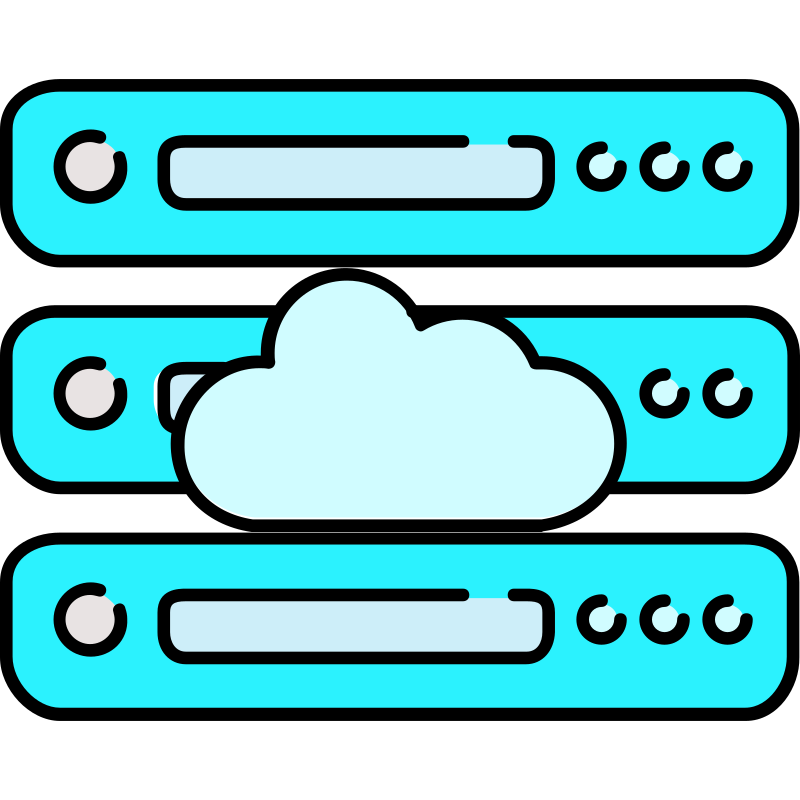





























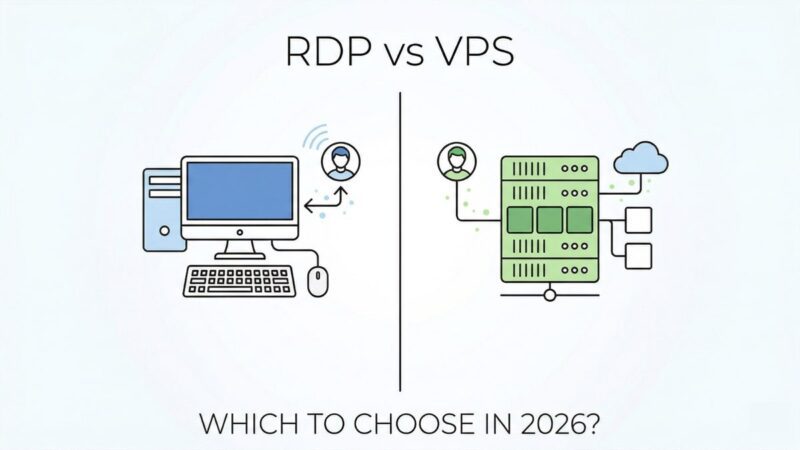
There are many web hosting technologies with superior features, including Virtual Private Server (VPS) and Remote Desktop Protocol (RDP). Both of these web technologies use different approaches and offer different advantages. They play a significant role in revolutionizing the way users interact with and manage digital infrastructure.
What is a Virtual Private Server (VPS)?
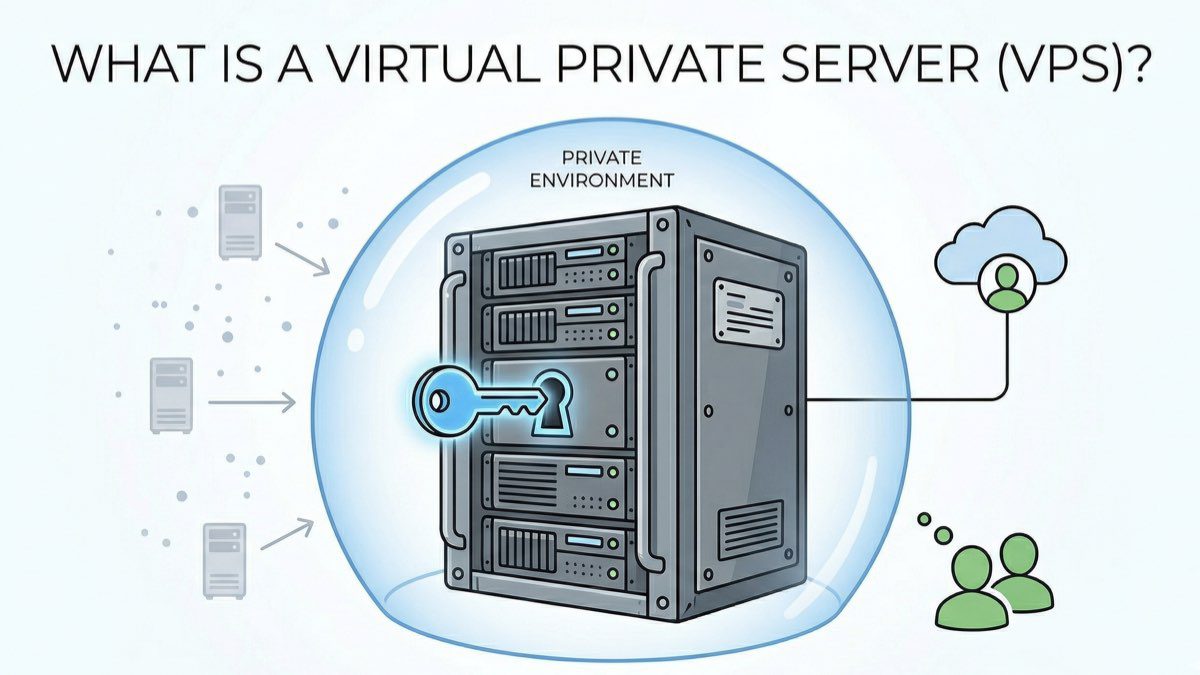
VPS is a remote access technology that provides users with full root access and dedicated resources in a virtualized environment. This virtual technology offers an enhanced shared hosting environment with multiple virtual machines running on a physical server. Isolation in the virtual environment is provided by a hypervisor, which manages the virtual machines to ensure they operate efficiently.
VPS is the most ideal solution for businesses and individuals seeking software development, web hosting, and scalable resources. VPS servers are used by many hosting companies because they allow businesses to host their data privately.
Why is VPS Important?
Virtual Private Server (VPS) provides significant advantages to customers over other hosting services, offering the following benefits:
Full Access Control
VPS offers users many advantageous features, including customization. It provides users with full control over access to their websites. This feature is an ideal choice for businesses that prefer to create a server environment with full access control tailored to their specific needs. Thanks to this VPS feature, they can run custom applications and development projects. This feature is also ideal for gamers for a seamless gaming experience.
Performance and Reliability
Hosting server performance depends on resource availability. VPS offers dedicated resources such as CPU, RAM, and storage for optimum performance. Once these resources are created, they are allocated and can later be modified by the server administrator. However, users are granted access to these resources. Dedicated resources increase loading times and efficiency by making it faster than shared hosting. Furthermore, these dedicated resources do not affect the performance of other users.
Affordability
A VPS is cheaper than a dedicated server but slightly more expensive than shared hosting. This makes it a good choice for budget-conscious companies looking for a mid-level plan to manage their websites. While it comes with dedicated resources, users only pay for the resources they need. Additionally, a VPS offers users a scalable plan suited to their needs, eliminating the need to spend extra time and money.
Advanced Security Features
When working in the digital world, security and privacy are paramount without compromising quality. A VPS provides this to its customers. It has advanced security features to protect your website or business from cyber threats and the risk of security breaches. A VPS also provides users with regular security updates and patches, along with firewall protection and intrusion detection.
Scalability
As your business grows, you need to upgrade your resources to meet demands. VPS allows users to scale their dedicated resources according to their needs and budgets. Most hosting providers offer easy upgrades without migration issues.
Operating System Choice
VPS supports a wide range of operating systems, including Windows Server and others. Customers have the freedom to install their own operating systems. They can choose from various dedicated servers at any price range. Additionally, users are provided with a dedicated IP address to connect to the server.
What are the Weaknesses of VPS?
Although VPS has many advantages, it also has weaknesses. These include:
Technical Knowledge
A VPS server requires full configuration and support to understand the technical aspects of the VPS. Additionally, cybersecurity practices are necessary to protect data from risks and threats. Therefore, maintaining configuration settings is a challenge for VPS users. VPS configuration is difficult for users without technical skills. They need a team of experts to manage technical aspects and issues, which can be costly.
This is where Fast Panda steps in and removes all these technical barriers!
Fast Panda Windows VPS service manages complex configuration processes and security concerns for you. Stages such as initial setup and network configuration, which would normally require an expert team, are offered as standard and automatic within the Fast Panda infrastructure.


Performance Limitations
While VPS provides excellent performance for customers, it has some limitations compared to shared hosting servers. VPS offers users limited support options from hosting providers. However, users rely on providers for all types of support. This extends support response times and can lead to performance degradation.
Limited Control
VPS virtualization technology divides a single physical server into completely isolated and independent virtual units. Each is isolated and independent with its own system, but all virtual servers share the same physical server. Therefore, while users can use configuration options for management, they do not have 100% control over the server environment. This is managed by the administrator or service provider.
What is RDP?
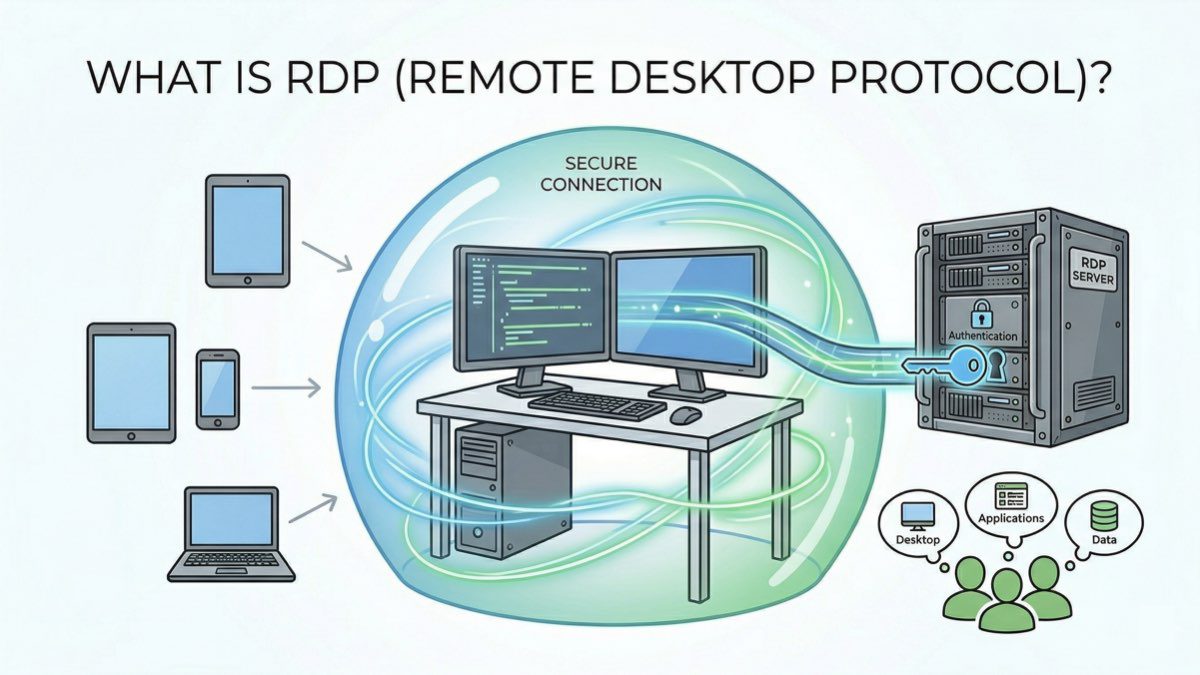
Remote Desktop Protocol (RDP) uses a graphical interface to connect clients to a virtual network. It was developed by Microsoft to simplify the user support necessary for security, encryption, data transfer, and application management. It allows remote users to control a Windows-based computer. Up to 10 remote desktops can be used with a single RDP. It provides 100% privacy for users, and they do not need to contact an administrator for support. Users can gain access from anywhere, and this feature makes it more user-friendly, especially for Windows users. Minimum setup is required for remote collaboration.
Why is RDP Important?
Enables Remote Work
RDP is a fundamental technology designed with a user-friendly interface. Remote workers can easily use this technology for their work. To connect to office desktops, they only need to open the desktop connection app and enter their IP addresses. This allows employees to use corporate applications securely from anywhere without compromising performance, uptime, or efficiency.
Cost-Effectiveness
When we compare the cost of VPS and RDP, it is clear that RDP Server is a cost-effective approach. This is the main factor attracting customers to RDP. The price difference between RDP and VPS can be very small, and this feature makes it superior to VPS. This allows companies to reduce hardware and maintenance costs. Additionally, it uses less powerful devices to connect reliable remote machines.
Centralized IT Management
RDP allows IT departments to troubleshoot and manage systems remotely. This makes security patches, updates, and other system management simple and accessible for IT management. It also reduces interruptions and downtime. Furthermore, it offers support for large businesses to scale as their workloads increase, providing more flexibility for business changes.
Automated Option
RDP comes with automatic configuration, eliminating the need for technical expertise to manage the server. It simplifies everything required for customers to maintain configuration while logging in with credentials. RDP users no longer need to constantly manage the server. The RDP provider supports the system with security updates.
What are the Disadvantages of Using RDP?
The following list identifies the disadvantages that RDP usage may present to users:
- Security Vulnerabilities: Since RDP provides direct user access to the desktop environment, it has the potential for security vulnerabilities. This can attract hackers by guessing passwords.
- Lack of Management Support: RDP does not provide management access; you need an RDP server for that. This creates problems if users want to create RDP targets. It also creates functionality limitations for clients.
- Complex Configuration and Maintenance: Maintaining and configuring an RDP environment is difficult, especially if the business does not have an IT department. Getting technical support is also time-consuming. Additionally, it does not support multiple monitors on a single server.
- Compatibility Issues: Since RDP was originally designed for Windows, it is not fully compatible with all operating systems and devices.
Differences Between VPS vs RDP
The important factors in the VPS vs RDP comparison include:
| Feature | VPS (Virtual Private Server) | RDP (Remote Desktop Protocol) |
| Control & Flexibility | Full control over server environment and configurations. | Access to the desktop environment and existing windows only. |
| Resource Allocation | Dedicated resources (CPU, RAM, Storage). | Resources are shared with the host machine. |
| Security | Isolated environment; superior security features. | Dependent on host security and password strength. |
| Performance | High performance due to server isolation. | Performance depends on host and number of users. |
| Costs | Higher cost due to dedicated resource structure. | More cost-effective; low maintenance requirements. |
The comparison between VPS and RDP involves several key factors:
Control and Flexibility
When comparing VPS and RDP, VPS provides the user with control over the server environment, allowing for the customization of software and security configurations to suit specific needs. In contrast, RDP gives the user access to the desktop environment and existing windows only. This means users have limited access to system configurations and are not permitted to install a custom operating system.
Resource Allocation
When we compare the resource allocation between VPS and RDP, it is clear that VPS improves hosting performance and reliability by providing dedicated resources, including CPU, storage, and RAM. This positively impacts server performance.
Security
Security is a crucial consideration for web hosting in the digital world. VPS provides superior security features with an isolated server environment. This minimizes the risk of “cross-hopping,” and VPS also allows the user to implement their own security measures. However, the security of RDP and VPS depends on the host machine’s security measures. If someone obtains your password, there may be a risk of viruses or cyber threats. Nevertheless, you can protect RDP with strong, reliable passwords and network authentication.
Performance
VPS offers the best performance because virtual servers are isolated on a physical server. In the event of malware, the performance of one virtual machine remains independent of others. Conversely, RDP performance depends on the host machine’s capabilities and the number of users connected to it. More users can lead to slower performance.
Costs
If you are looking for a plan that fits your budget and want to save more, the cost-effective approach of RDP is the best and preferred option. While VPS plans offer cost-effective options, they come with some additional costs. In particular, the dedicated resource structure allocated to the user makes VPS a more expensive option compared to standard RDP accounts.
What Purposes Are They Used For?
VPS is used for the following purposes:
- Hosting websites and web applications
- Creating Virtual Private Networks (VPN)
- Hosting game servers
- Running development environments
RDP is used for the following purposes:
- Accessing applications and files from remote locations
- Remote work and telecommunication
- IT support and troubleshooting
- Collaborative tasks requiring desktop sharing
Choosing the Right Solution Between VPS and RDP
Choosing the right hosting server depends on your business’s specific needs and technical expertise.
You can choose VPS if:
- You need to have control over the server environment and customize settings according to your needs.
- You are managing a large organization and need dedicated resources.
- You are a technical expert and can handle the management.
You can choose RDP if:
- You need to access desktop or office applications as a remote worker or user.
- You require a simple setup that is easy to maintain.
- You need to collaborate with others as an IT administrator.
There are many factors to consider when determining the best option between VPS and RDP. This primarily depends on the user. Both are valuable for different computing needs and purposes. While VPS provides users with full control, RDP is unrivaled in providing a simple and cost-effective user interface. Comparing their benefits and features helps you decide which platform is best for you to ensure a seamless digital experience.