Create your WordPress site with AI in 60 seconds.




























With the Business Email service provided by FastPanda, finding a specific contact can become more difficult as your contact list grows. Fortunately, the built-in search feature in the webmail interface allows you to quickly and easily locate the contact you need.
Follow the steps below to search your contacts.
- Log in to your webmail account using the following address:
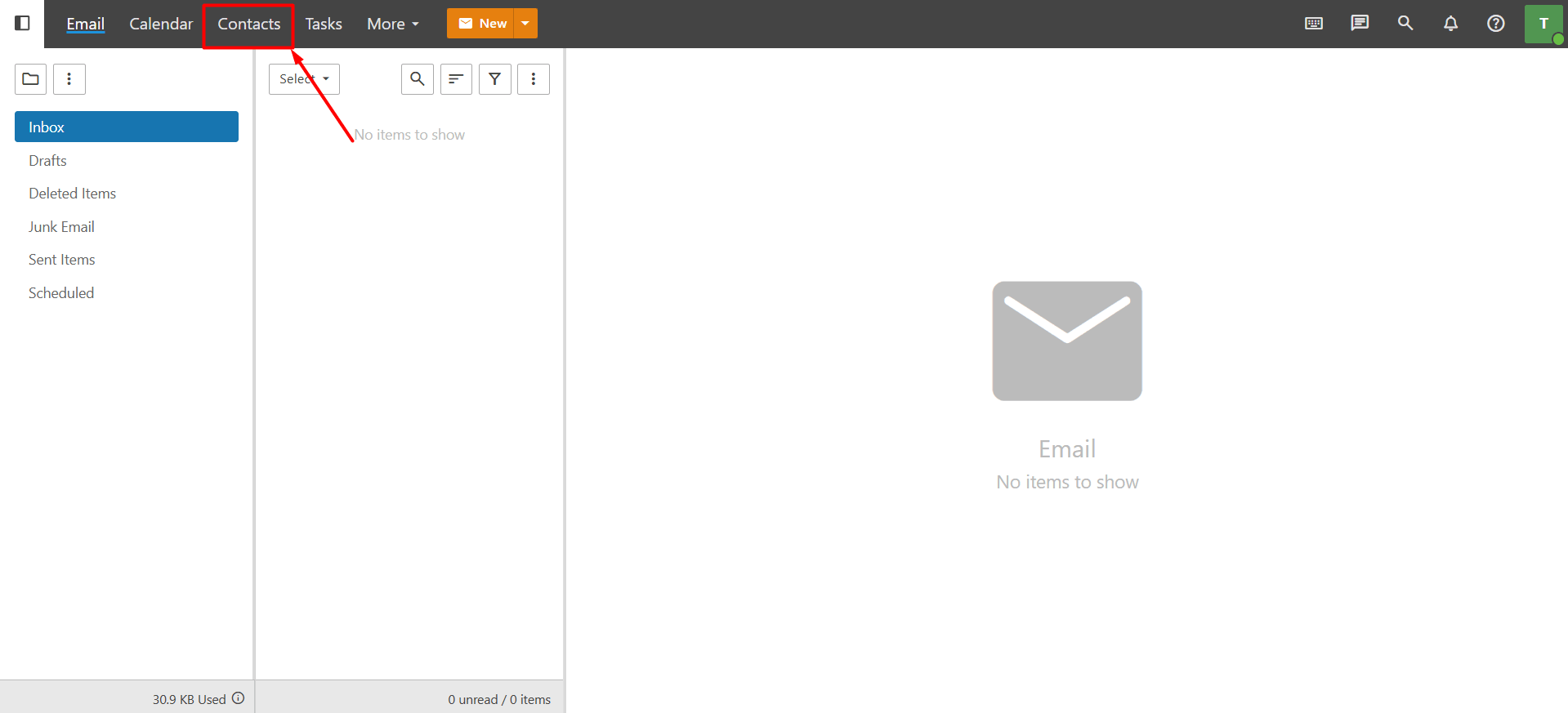
https://webmail.domain.extension (replace with your own domain name). - After logging in to your account, click the “Contacts” button in the top menu.
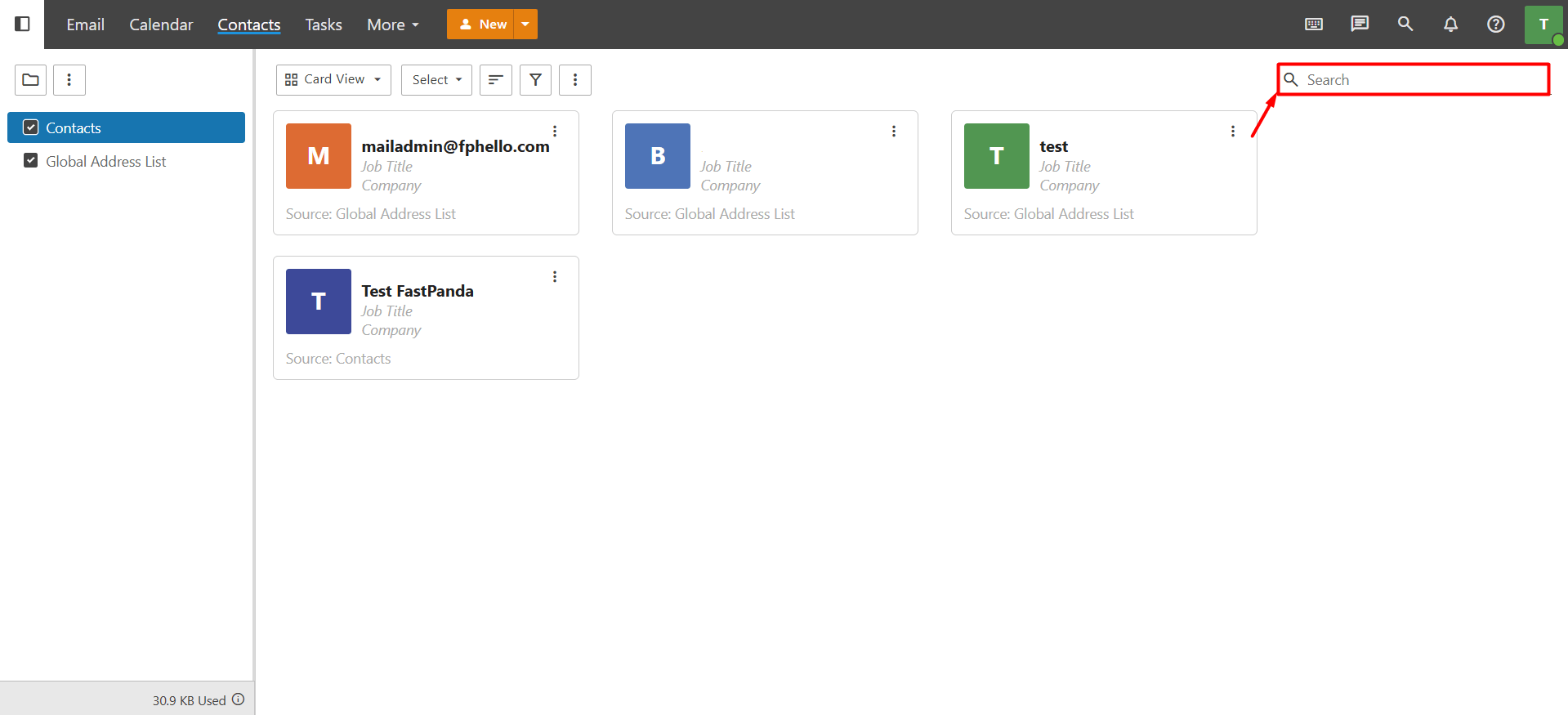
- In the Search field located in the upper-right corner of the page, enter the contact’s first name, last name, or email address. Then, press “Enter” or click the “Search (magnifying glass)” icon.The system will display all contacts that match your search criteria.
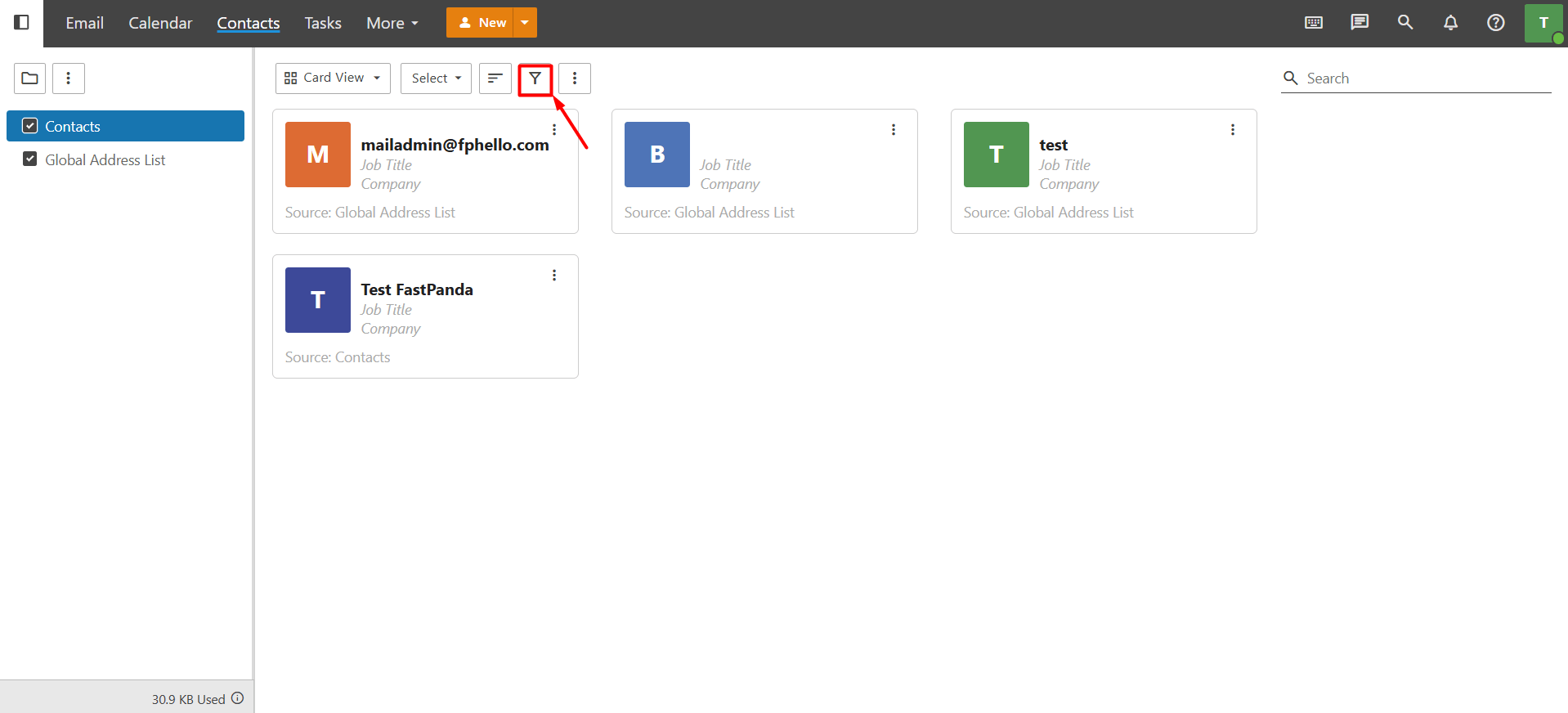
- If your search returns too many results and the contact has been assigned to a category, you can use the Filter button to narrow down the results. This makes it quicker and easier to find the contact you’re looking for.