Create your WordPress site with AI in 60 seconds.




























Notes are areas where you can record to-do tasks, important information, meeting notes, and your own ideas. Creating a note in FastPanda Business Email service is quite easy and can be quickly managed via webmail.
- Access your webmail at https://webmail.domain.extension (adjust according to your own domain).
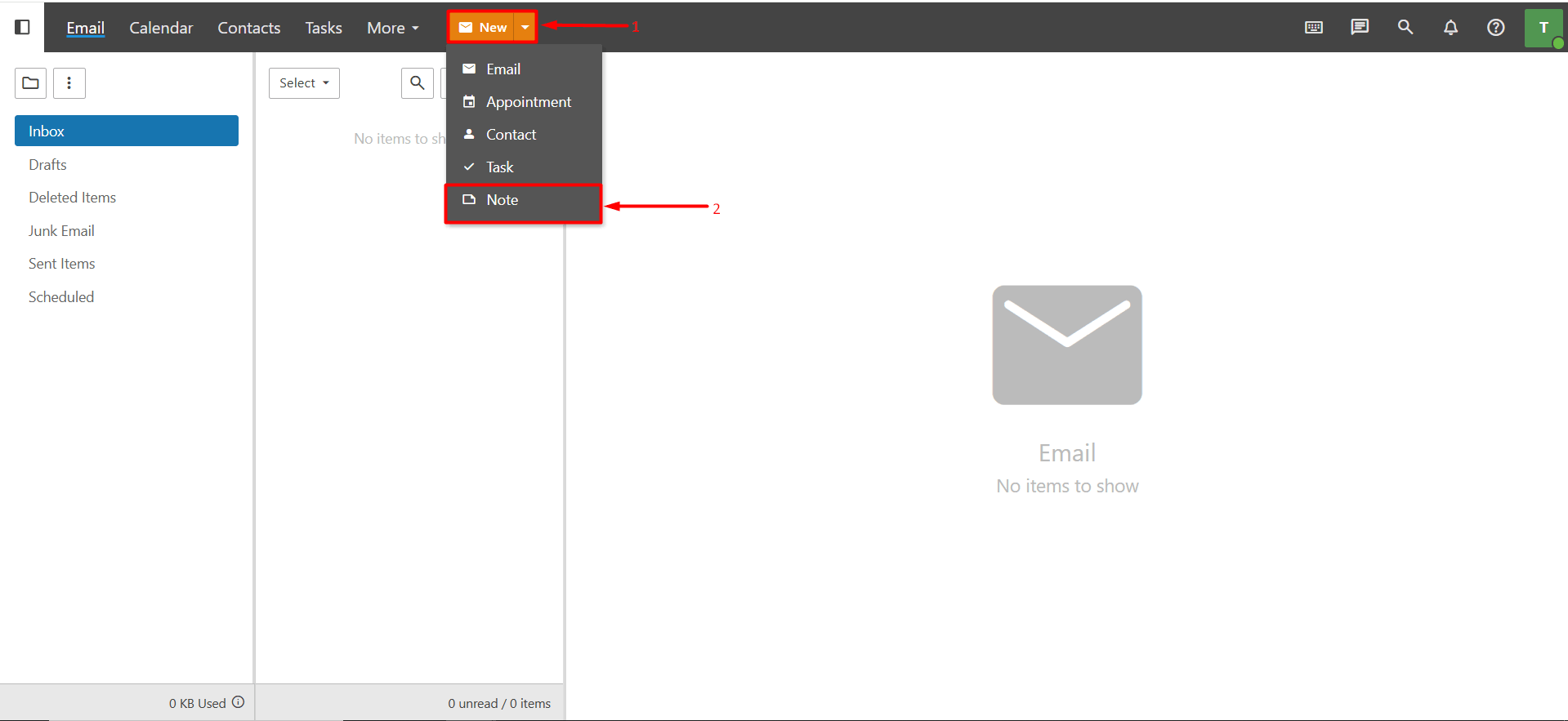
- From the toolbar at the top, click the “down arrow” icon next to the “New” button. From the dropdown list that appears, click the “Note” button.
- When you follow the steps above, a window will appear. From this window, you can start creating your note.
- Subject: This is the title of your note. For example, you can enter a title according to your preference such as “Meeting Notes”
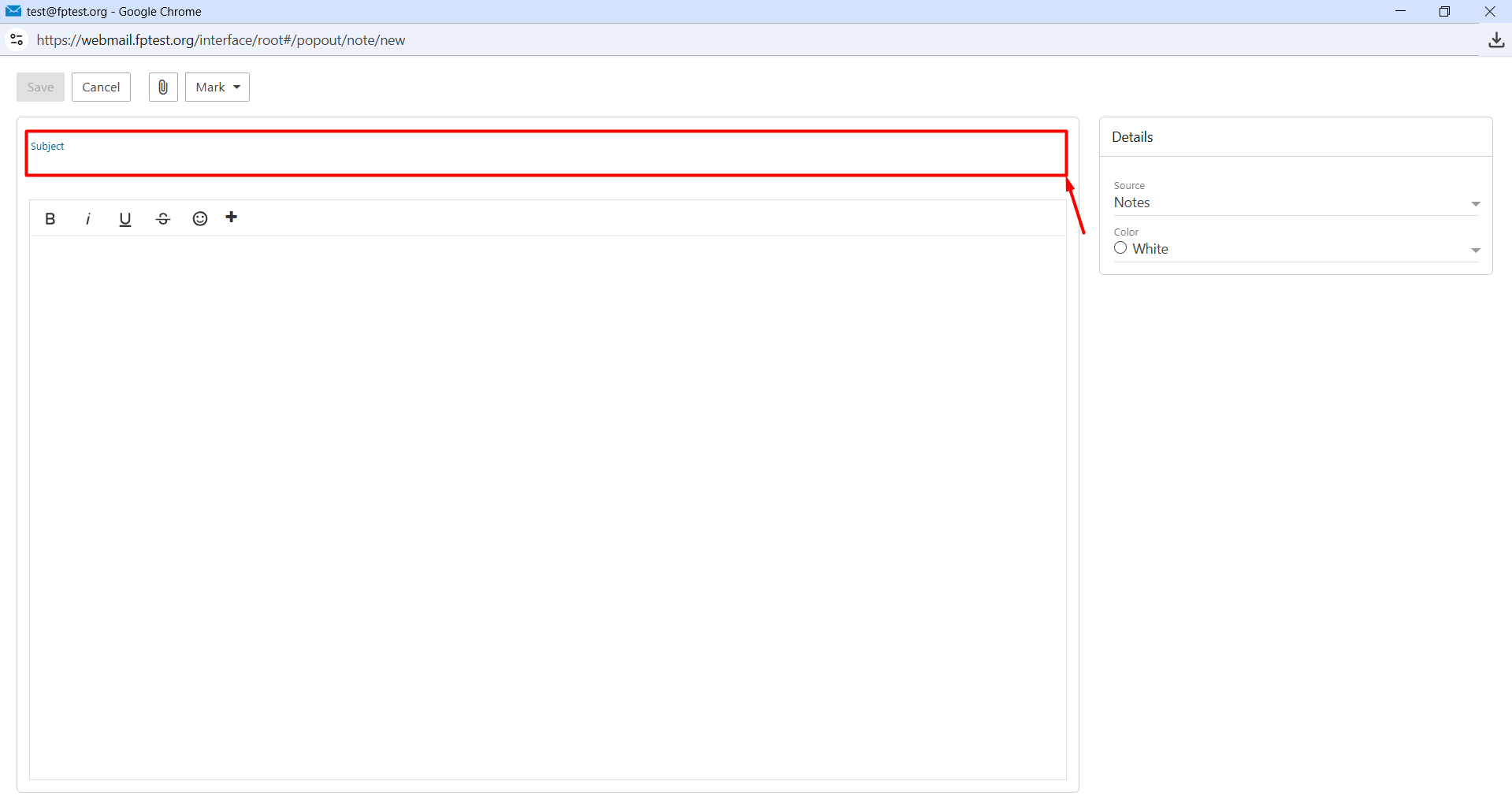
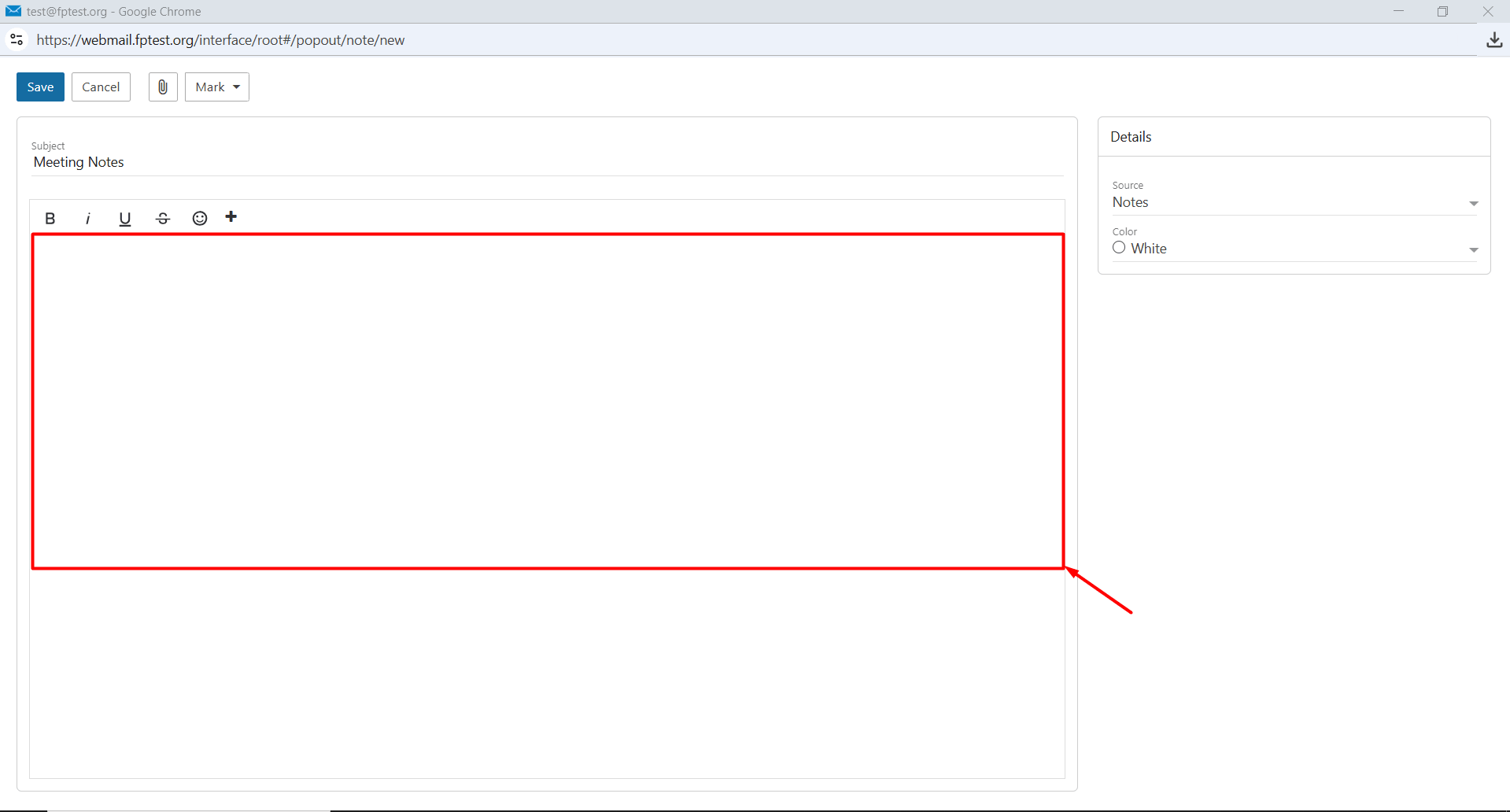
- Description: This is the area where you write the detailed content of your note. This field is a rich text editor and is HTML-compatible. This allows you to also add formatting such as fonts, colors, links, and media.
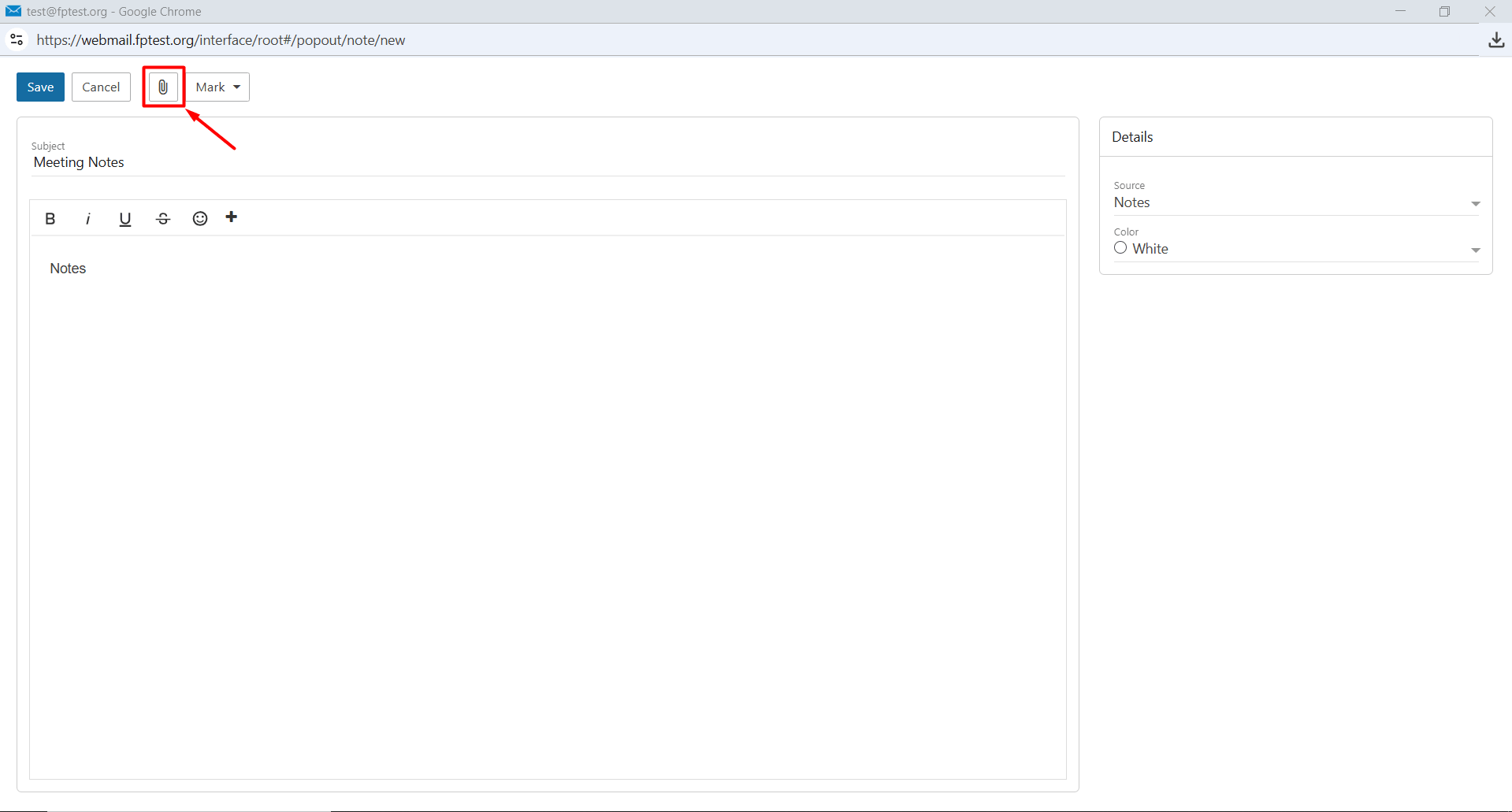
- Attachment: You can add files to your note.
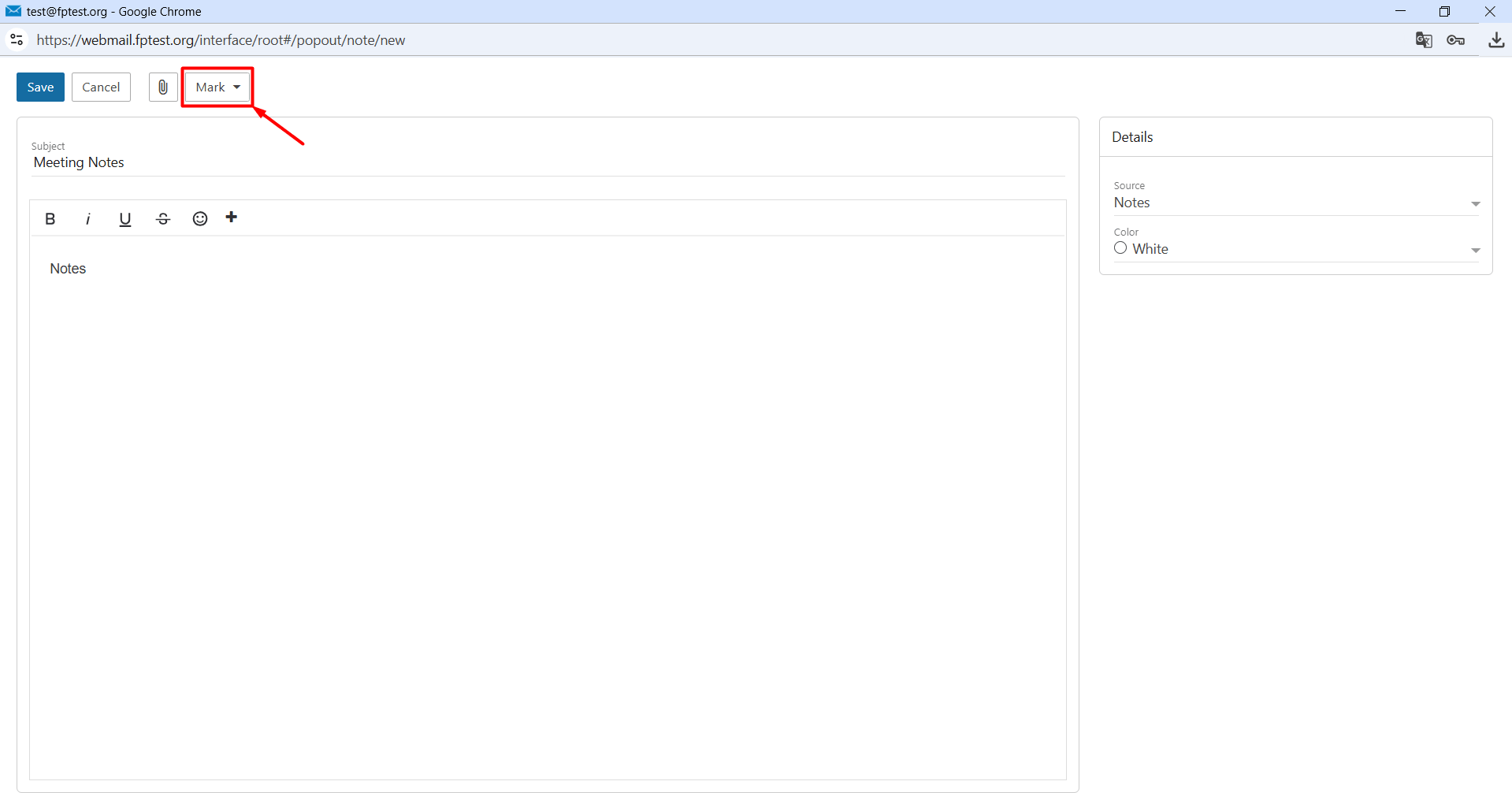
- Mark: This helps you categorize your notes. For example, you can group priority notes under a red category.
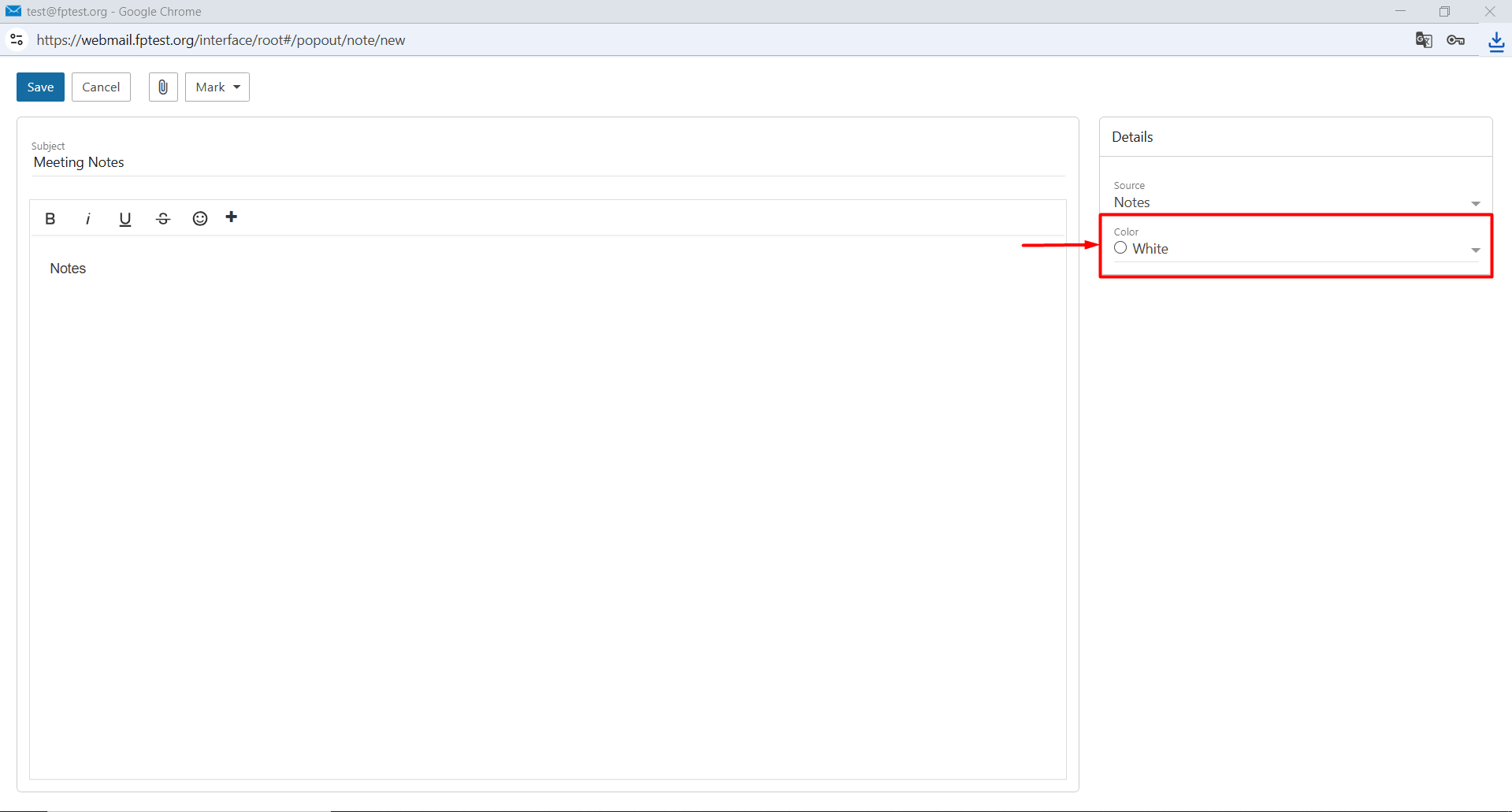
- Color: This is the section where you can use different colors to visually distinguish and prioritize your notes.
- After filling in the required information, you can click the “Save” button to create your note.
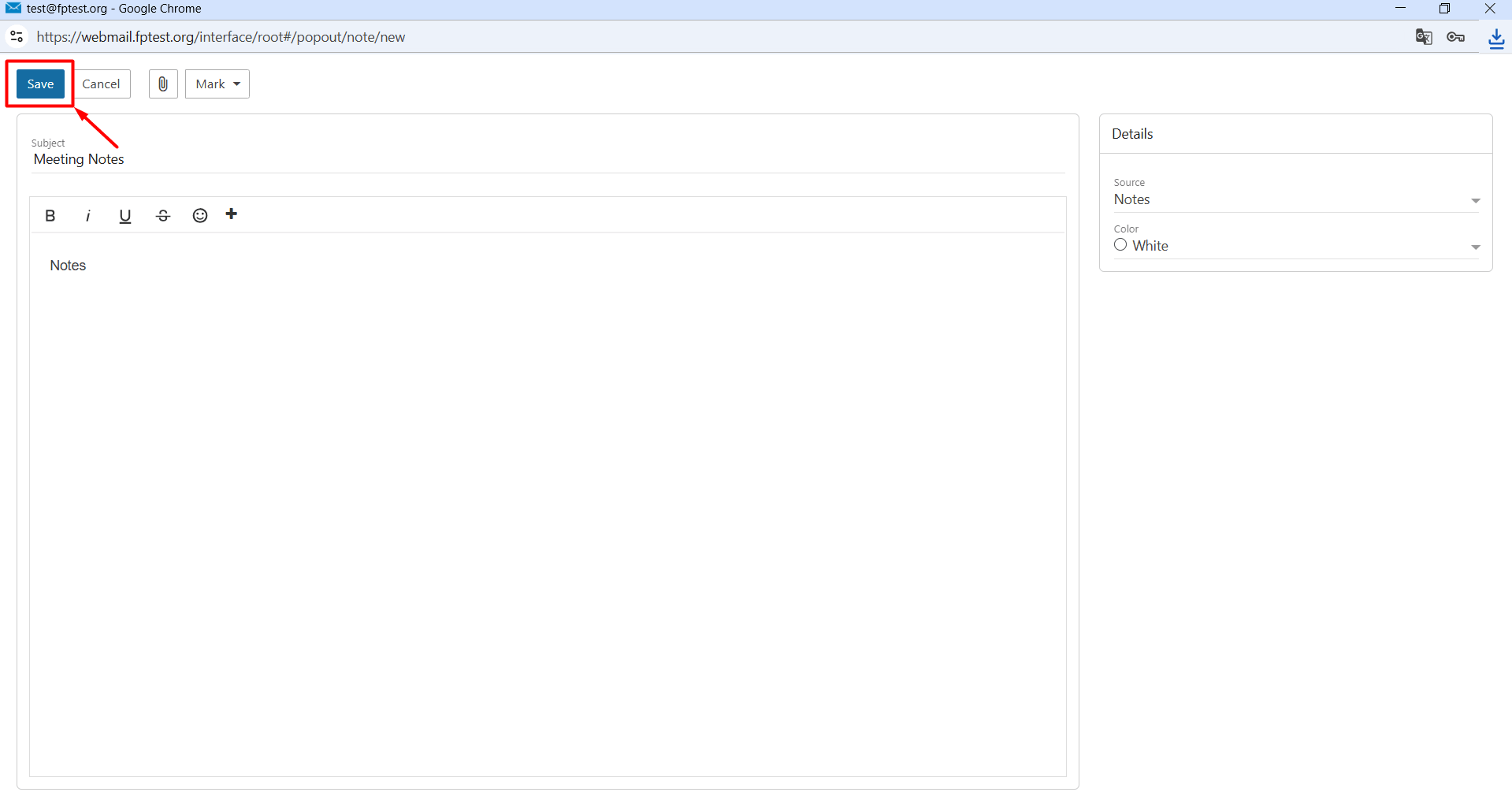
- Subject: This is the title of your note. For example, you can enter a title according to your preference such as “Meeting Notes”
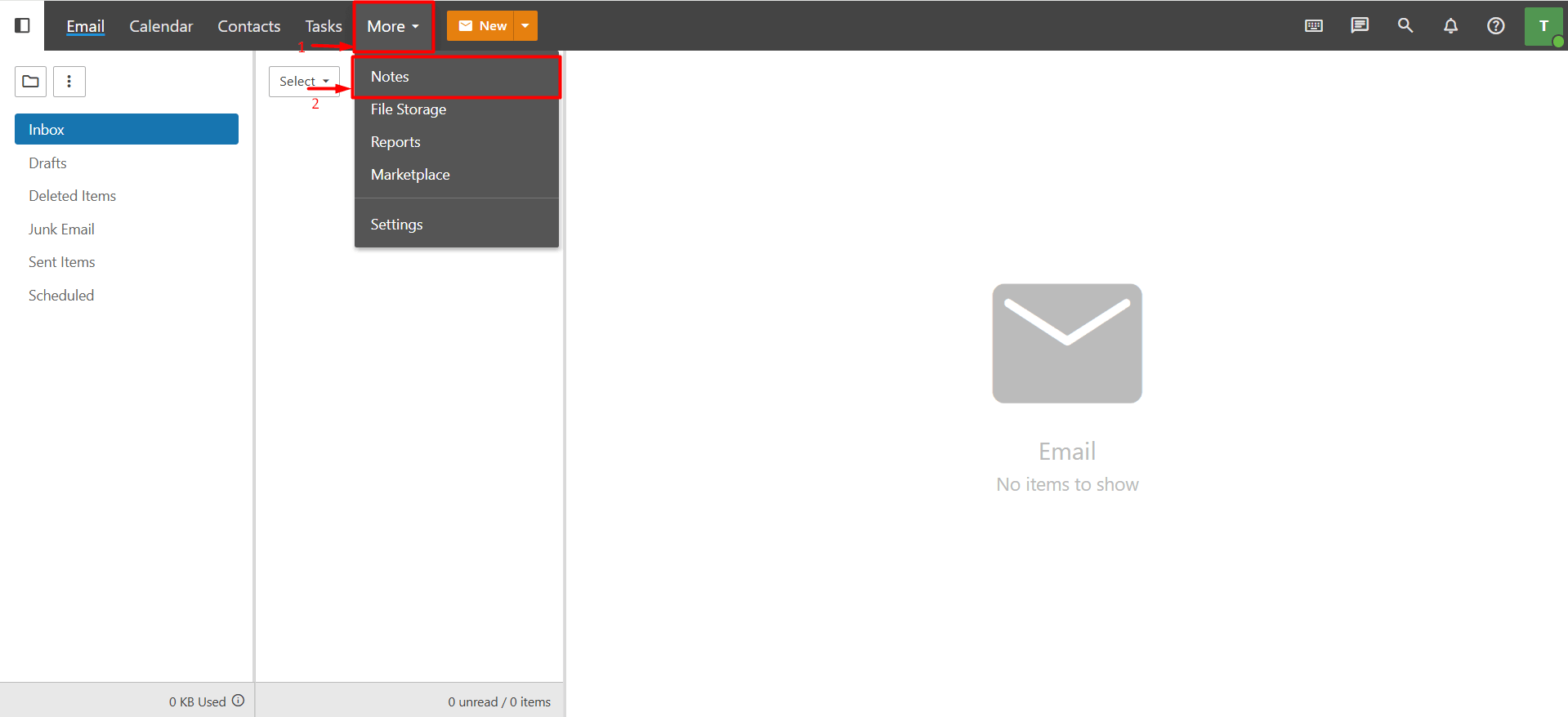
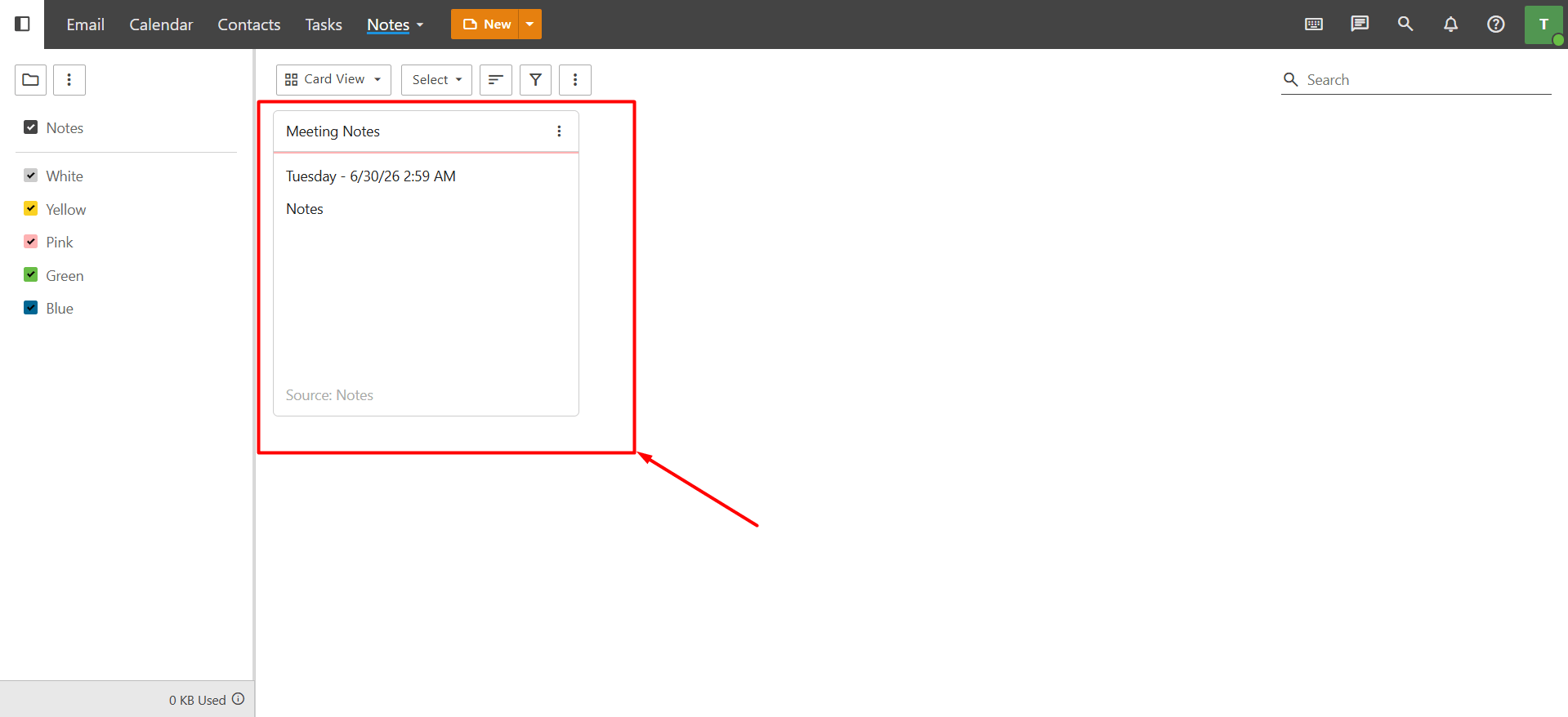
The notes you create are listed and can be easily accessed by going to “More > Notes” within webmail.