Create your WordPress site with AI in 60 seconds.















You can export all email accounts configured under your Web Hosting account (Linux Hosting or WordPress Hosting) through the Fastpanda Customer Panel with a single click in CSV format, including their quota and usage information. You can follow the steps below to complete this process.
- First, log in to the Web Hosting management panel through your FastPanda Customer Panel. For more information on how to access the panel, please refer to our article titled “How to Log In to the Hosting Management Panel?“
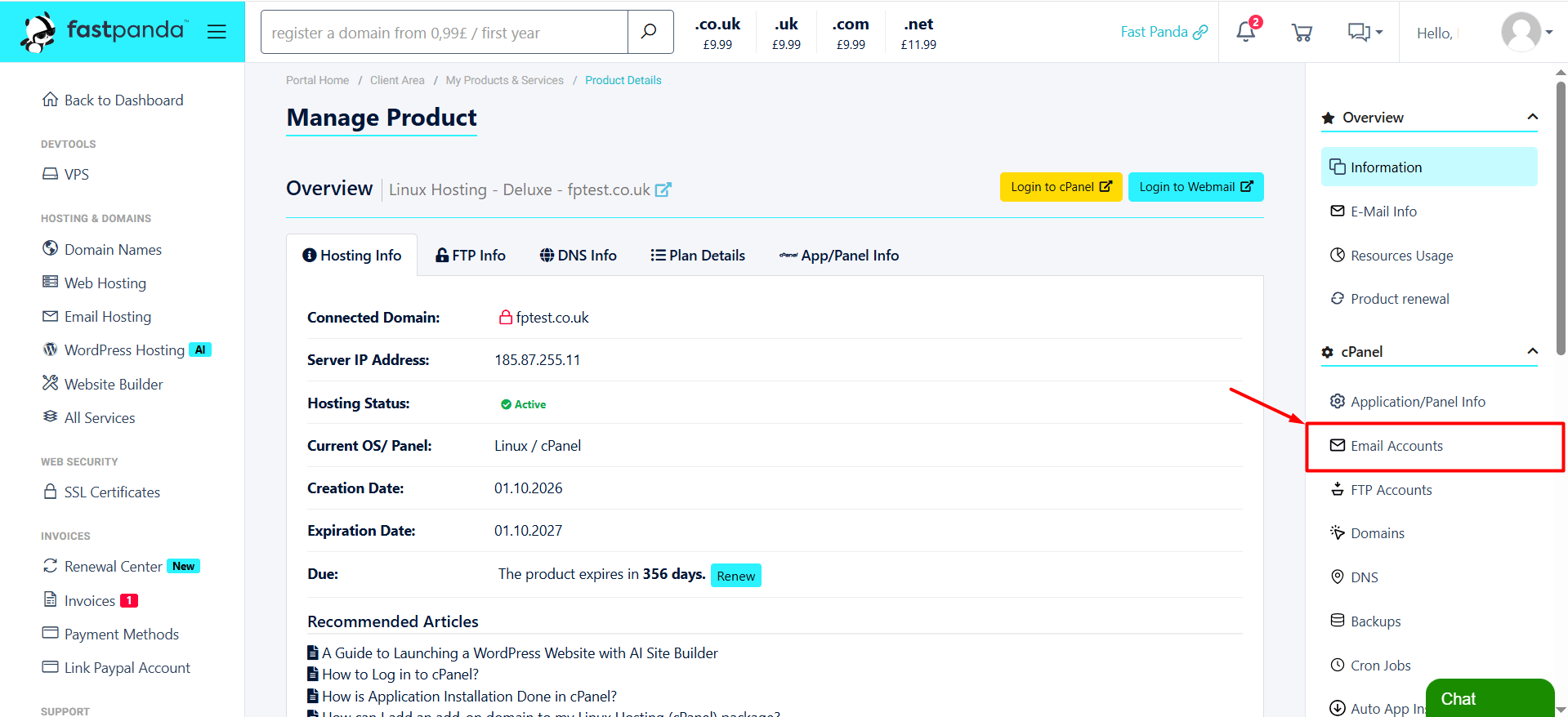
- Once you reach the Web Hosting management panel, click the “Email Accounts” button in the right-hand menu.
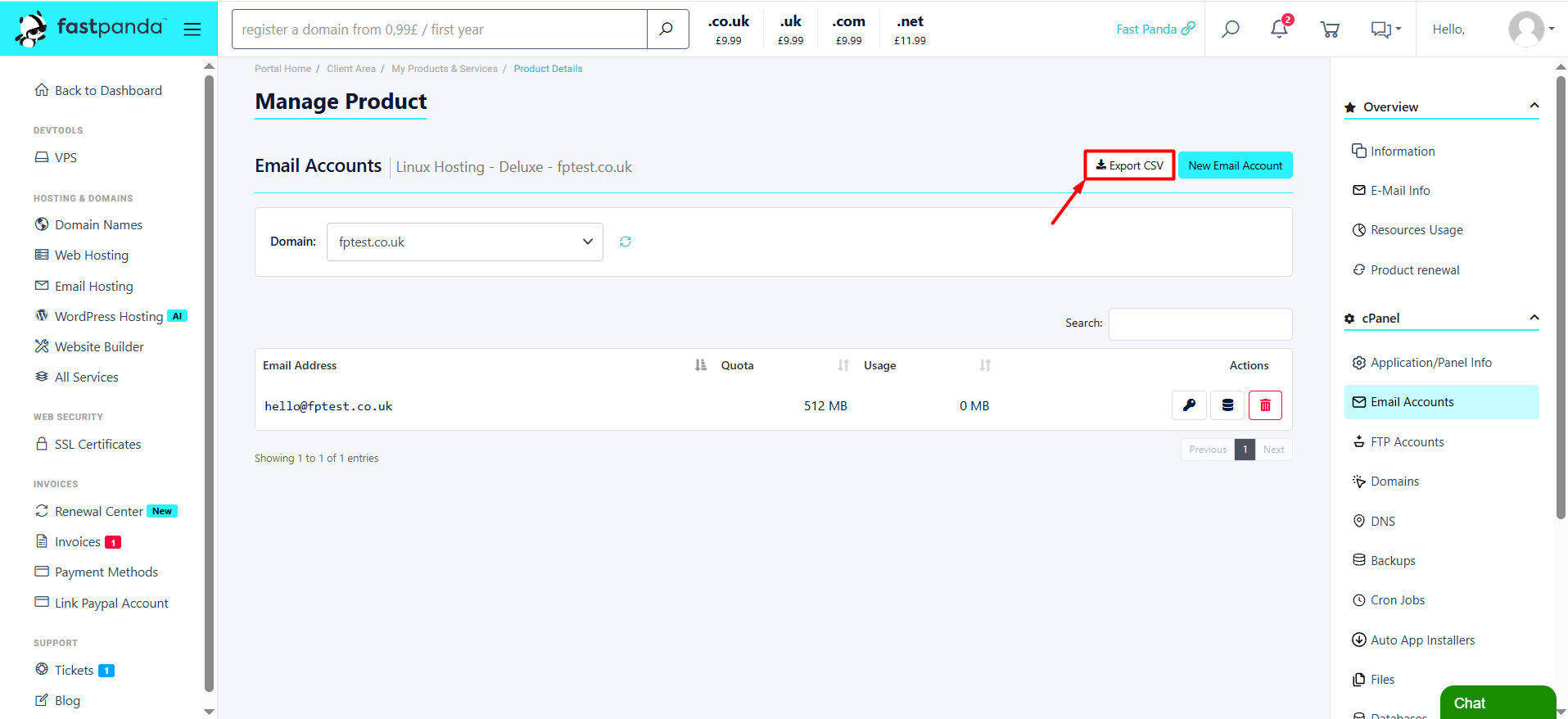
- Click the “Export CSV” button at the top of the page.All email addresses associated with your hosting account, along with their quota and usage information, will be downloaded to your computer as a .csv file. You can open the downloaded file to review your email account details.