 Create your WordPress site with AI in 60 seconds.















The Browser Terminal available in the FastPanda VPS management panel is a convenient tool that allows you to securely access your server directly through your web browser without installing any additional software (such as PuTTY, Termius, or Windows Terminal).
It can be particularly useful when the SSH port is blocked on certain networks (such as company, school, or hotel Wi-Fi networks) or when you need to quickly access your server from another computer.
Follow the steps below to connect to the Browser Terminal.
- First, navigate to your VPS management page. If you need more detailed instructions on how to access the VPS management page, refer to our article, “How to Log In to the VPS Management Panel?”
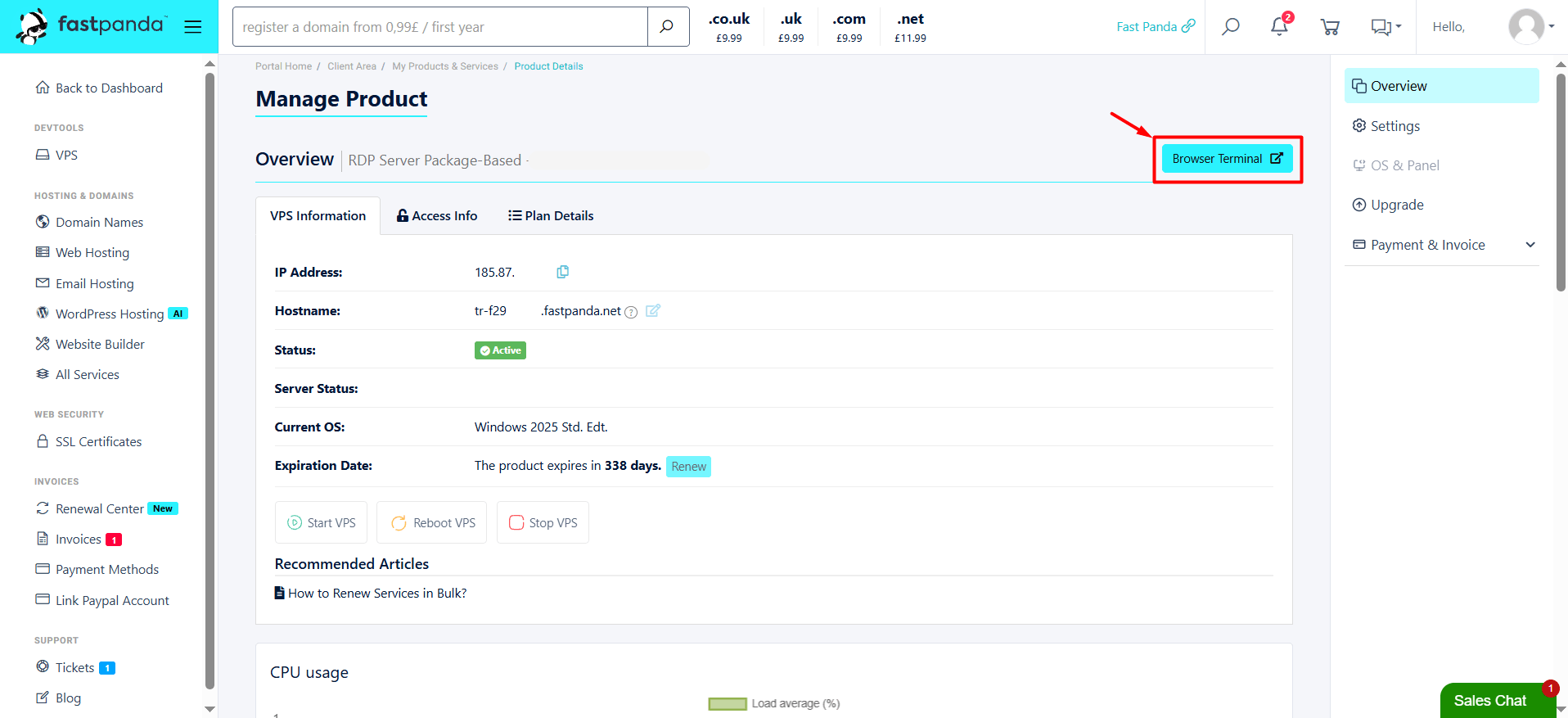
- Once you access the VPS management page, you will see the “Browser Terminal” button in the upper-right corner of the page. Click this button.
- A terminal window will open. If prompted for your server credentials, enter your login details to connect. Once connected, you can start managing your server.
