Create your WordPress site with AI in 60 seconds.




























WordPress is one of the most widely used open-source CMS (Content Management System) platforms today, owing to its ease of use and the low cost of developing a website from scratch. Thanks to its simplicity, flexibility, and extensive capabilities, it remains one of the most popular solutions for creating a website. However, websites built with WordPress, just like any other site, require a suitable hosting service to function.
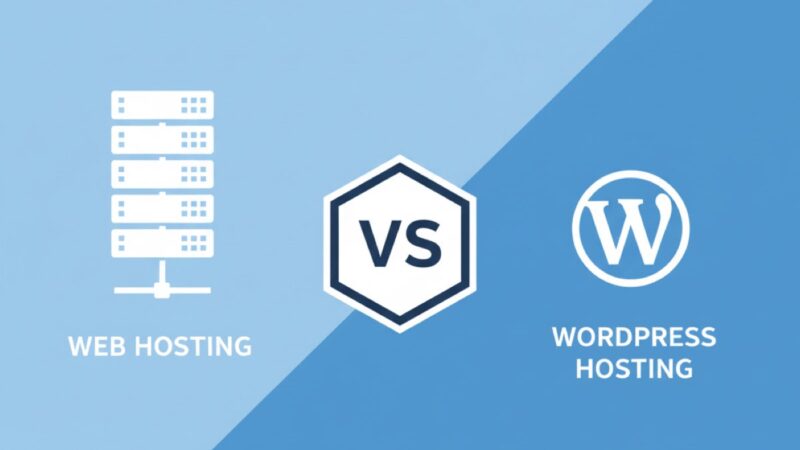
So, at this point, should you choose WordPress Hosting or general Web Hosting?
The optimal solution is actually different for every individual. Factors such as your budget, the number of expected website visitors, and your web development experience play a decisive role in the selection process.
If you want to make the right choice, today we will discuss the differences between WordPress Hosting and Web Hosting, their advantages, and in which scenarios you should choose which option.
What is WordPress Hosting?
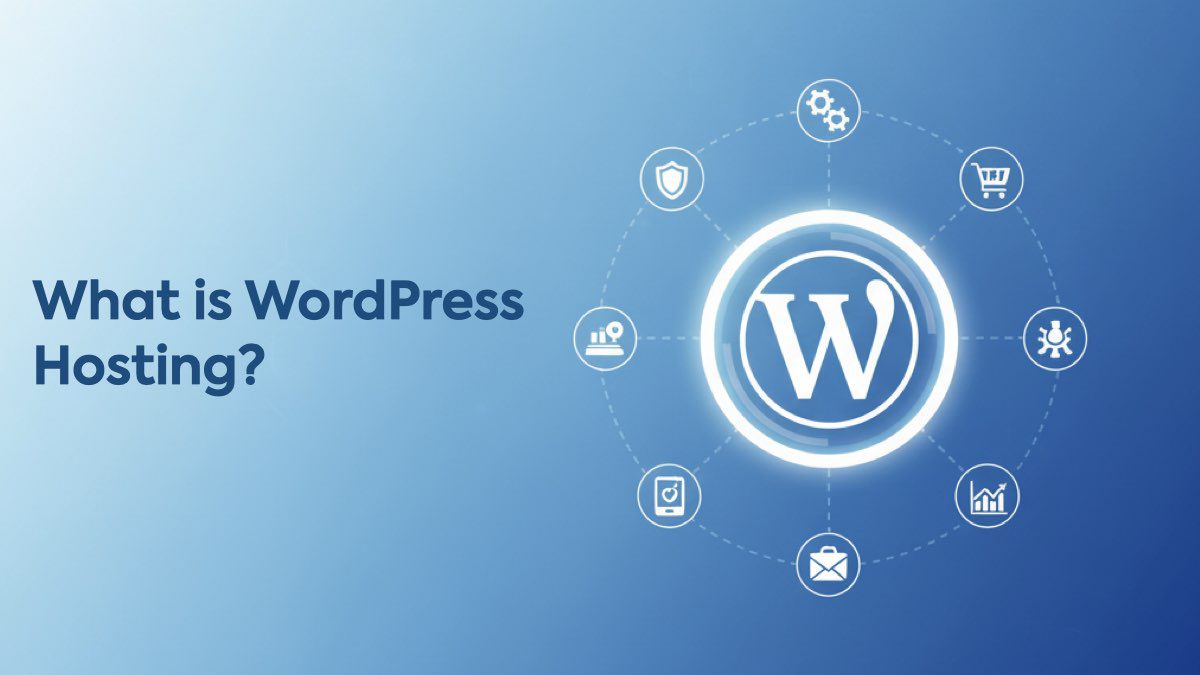
WordPress Hosting is similar to general web hosting, but it is specifically optimized for websites built on the WordPress platform. In this type of hosting, providers typically use special security measures, speed optimizations, updates, and backups tailored for WordPress.
Its purpose is to provide an optimized environment to improve the performance and security of the online resource. This hosting service includes a range of characteristic functions such as automatic WordPress installation, regular updates of the CMS and plugins, and technical support that is fluent in the platform’s features.
WP hosting shares the same core advantages as general web hosting but offers additional features for sites on a specific management system. The servers are optimized to work with the CMS, which can boost the performance and security of the online resource.
What is Web Hosting?

Web hosting refers to a shared environment where multiple websites use the same server resources — such as RAM, storage, and bandwidth.
Its biggest advantage is affordability, making it ideal for small websites and beginners. However, depending on the hosting infrastructure, speed and performance may vary.
Advantages of WordPress Hosting
Below is a list of the advantages of WordPress Hosting:
1. High Performance
WordPress Hosting ensures fast page loading even with a high number of visitors, offering high availability and site performance. This high performance is achieved through WP-specific optimization. For example, acceleration with the LiteSpeed Cache plugin can increase loading speed by up to 12 times.
2. Ease of Management
The hosting functionality includes simple and clear tools for managing the site, installing plugins and themes, and backing up data. This means one-click CMS installation, smart updates that won’t break site functionality, and the ability to work with files and databases via SSH, SFTP, or WP-CLI.
3. Security
WordPress Hosting provides additional security measures to protect your site against cyber attacks and ensure stable operation. The service includes regular backups, DDoS protection, and SSL certificates. The CMS’s automatic update function also reduces the risk of security vulnerabilities.
Advantages of Web Hosting
The most important advantage that distinguishes Web Hosting from other types is its affordability. Sharing server resources among dozens of customers reduces the cost of server usage and makes the service accessible to a wide audience.
Another significant advantage is simple management. Web Hosting offers a user-friendly and intuitive interface (like cPanel) for the customer to easily manage their website. This allows you to add new domains, configure emails, manage databases, and perform other important operations. You don’t need special skills in server configuration or knowledge of programming languages, which is an advantage for beginners.
With Web Hosting, you can upload files to the server, connect the database, and start working. Quick startup is also a plus for projects that need to be launched by a certain date, as well as for software testing and development.
Another equally important aspect is the technical support that often works with Web Hosting customers. Since customers cannot control the server’s operation themselves, the provider’s support team monitors the system 24/7 for faults and quickly resolves issues when they arise. Spam protection and antivirus are also configured by technical support. This is a significant advantage for businesses and webmasters who cannot afford to hire a system administrator.
Furthermore, Web Hosting is quite easily scalable. If your disk space, speed, or power is insufficient, purchasing additional space or changing plans is a relatively quick process.
WordPress Hosting vs. Web Hosting Comparison
If your website is built on WordPress, and your primary requirements are optimal performance and easy management, WordPress Hosting will be the best choice. This hosting type includes specialized tools for managing the WordPress CMS, such as installers, automatic updates, and backups.
Web Hosting is a cost-effective hosting option where several websites share server resources, offering an affordable solution. However, depending on the hosting infrastructure, it may cause a decrease in speed, which can affect your site’s performance, much like a busy highway during rush hour.
Below is an overview of the differences between Web Hosting and WordPress Hosting:
| Feature | Web Hosting | WordPress Hosting |
| Purpose | General-purpose, can be used for any type of website. | Specifically optimized for WordPress sites. |
| Ease of Use | Provides easy management with standard control panels like cPanel. | Offers features like one-click WP installation, automatic updates, and optimization. |
| Performance | Speed may vary depending on traffic density. | Offers high speed through caching, CDN, and special server settings. |
| Site Management | Management via a general control panel, offers limited customization. | Management via the WordPress dashboard, offering more customization and ease. |
| Technical Support | Provides support for general hosting issues. | Provides WordPress-specific technical support. |
| Price | More economical, ideal for beginners. | Slightly higher cost, but includes added features and optimization. |
| Best For | Beginners and low-to-medium traffic sites. | Those expecting high traffic, using WordPress, and demanding seamless performance. |
1. Ease of Use
Web Hosting typically offers a convenient control panel like cPanel for ease of use, making it suitable for beginners and those with less technical knowledge. WordPress Hosting, designed specifically for WP users, provides one-click installation, automatic updates, and built-in optimizations suitable for all experience levels.
2. Site Management
In terms of website management, Web Hosting services centralize tasks in a convenient control panel but may limit control and configuration options. Conversely, WordPress Hosting, with its dedicated environment, centralizes management from the WordPress dashboard and offers greater control and configuration options. Managed Hosting (a type of WP Hosting) provides additional support from WordPress experts, handling tasks like updates and security.
3. Performance
Performance is crucial for user experience, as website speed directly affects conversion rates. Web Hosting can result in variable performance depending on the hosting server and traffic, leading to speed drops during peak traffic periods. WordPress Hosting, with advanced features like plugins and caching, optimizes website capabilities, increasing speed, performance, and security.
4. Technical Support
Customer support varies between the two. Web Hosting support is generally more generic, while WordPress Hosting support is more detailed and resolves specific CMS-related issues. Fast Panda, which offers both Web Hosting and WordPress Hosting plans, provides 24-hour service for comprehensive support.
5. Affordability
In terms of price, Web Hosting plans are affordable and suitable for new website owners or low-traffic websites. WordPress Hosting plans can be slightly more costly but offer advanced features, optimization, and specialized support.
WordPress Hosting vs. Web Hosting: Which Should I Choose?

Choosing between Web Hosting and WordPress Hosting depends on your specific needs, budget, and website requirements. When selecting the web hosting solution that fits your needs, you must consider several key factors:
- Budget: Affordability is a determining factor in hosting selection. Here, Web Hosting is generally more cost-effective, making it a suitable choice for those with financial constraints.
- Expected Traffic: The expected volume of traffic on the website is another important factor. If you anticipate a high number of monthly visitors or rapid growth, WordPress Hosting with its advanced features may be a more appropriate option.
- Technical Expertise: Your level of technical knowledge plays a decisive role in choosing the right hosting solution. If terms like cPanel or FTP sound intimidating, a Managed WordPress Hosting service with an easy-to-use interface and additional customer support may be more suitable.
- Use of WordPress: If you plan to use WordPress as your CMS, the WordPress Hosting option offers specific benefits. Features like one-click installation and automatic updates simplify website management, which is especially useful for WordPress users.
- Time Commitment: Consider how much time you are willing to dedicate to managing the website. WP Hosting plans are very suitable for those focusing on growing their business and creating content, as they handle the technical aspects. On the other hand, Web Hosting is ideal for those who prefer hands-on management and regular updates.
By answering these questions, you can make a rational decision based on your budget, technical skills, traffic expectations, and the level of involvement you desire in website management.
In conclusion, both Web Hosting and WordPress Hosting offer various functions that intersect but are tailored to different needs. Web Hosting is a suitable and economical choice, especially for beginners or small websites with moderate traffic. WordPress Hosting provides additional personalization, scalability, and enhanced security, making it an advantageous option for larger websites and established businesses.
With Fast Panda, you can purchase both Web Hosting and WordPress Hosting plans with budget-friendly pricing and the advantage of high performance. Thanks to advanced technical support, 99.9% uptime guarantee, secure infrastructure, and a user-friendly control panel, you can confidently grow your web project, whether you are just starting or managing a large-scale site.
Frequently Asked Questions
WordPress Hosting is optimized for WordPress and ensures high performance and operating speed through special server settings. In other aspects, WordPress Hosting plans are no different from Shared Hosting plans and include standard features.
2. What is included in WordPress Hosting plans?
WordPress Hosting plans offer a hosting solution specifically optimized for WordPress sites. Fast SSD disks, unlimited traffic, automatic backups, free SSL certificates, and a range of other benefits are included in the plans.
3. For which projects is WordPress Hosting suitable?
WordPress is suitable for a wide range of web resources, including blogs, corporate sites, news sites, forums, online stores, and many more.
4. What are the advantages of WordPress?
WordPress allows you to easily create a website with its modular structure without needing technical knowledge. With a large number of plugins, it enables you to select appropriate interface elements and configure SEO.
5. How can I install WordPress on a hosting service?
WordPress comes pre-installed on all WP Hosting plans. If you prefer, you can also install the CMS manually yourself.