Create your WordPress site with AI in 60 seconds.


























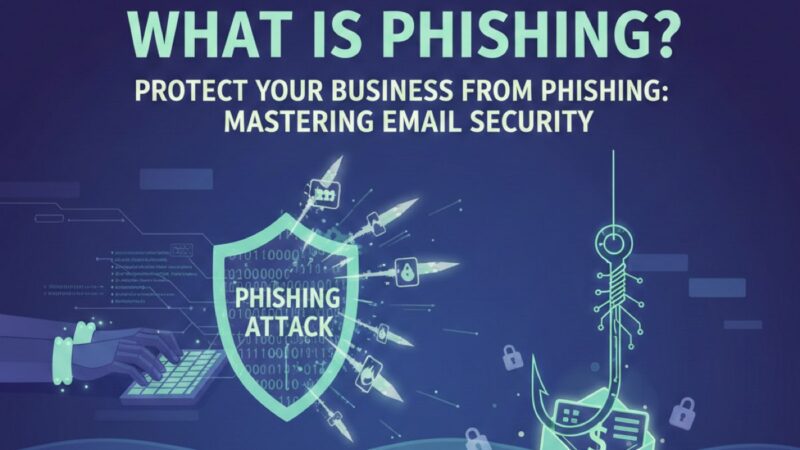
Phishing has been one of the most common methods used by hackers for over twenty years. Even experienced users and companies fall victim to phishing attacks. According to statistics from Keepnet Labs, one in every eight employees clicks on phishing emails. Although the targets are often sales department employees, even IT departments cannot always distinguish these harmful emails. Therefore, it is vital to know how to recognise phishing attacks and what to do if you click on a link to avoid potential disaster scenarios.
What is Phishing?
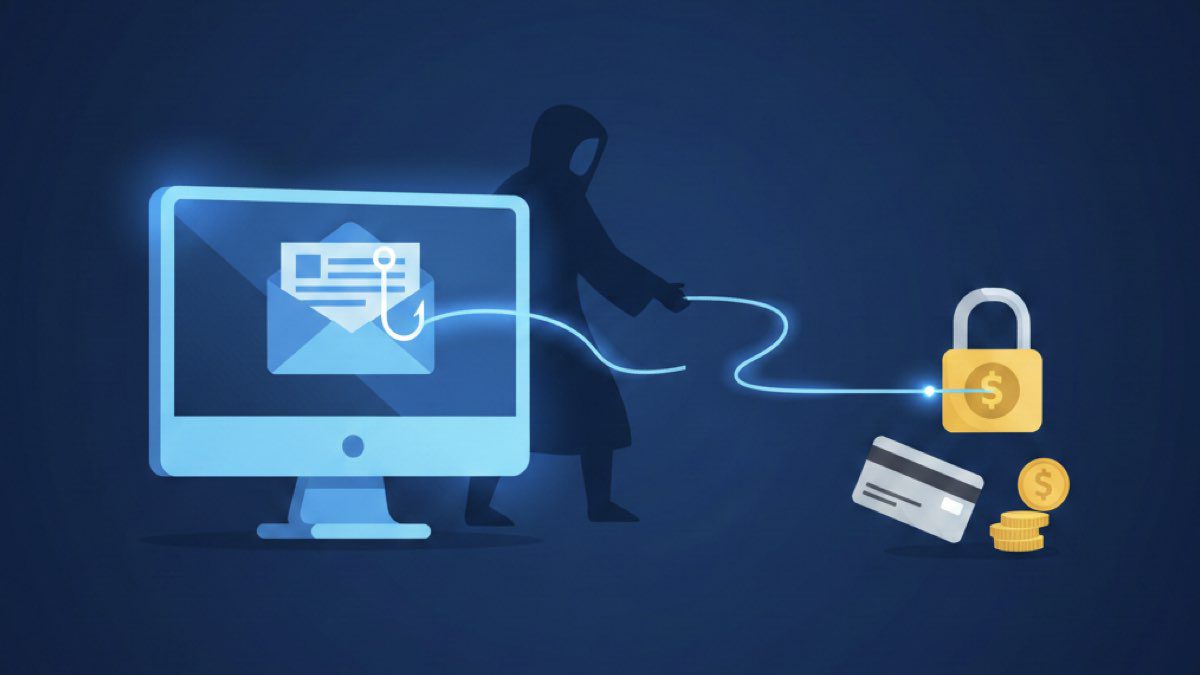
Phishing is a type of fraud where hackers attempt to deceive people by posing as trusted organisations or individuals to seize confidential information such as usernames, passwords, credit card details, and other sensitive data. It is typically carried out via email, social media, messaging apps, or websites that appear to belong to legitimate organisations.
Phishing attacks usually begin with a fake email sent to a user, which directs them to a fraudulent website where credentials or other personal data are requested. The aim of phishing is for the targeted individual to provide their confidential information voluntarily. To achieve this, hackers use the following tools:
- Phishing sites and email distribution.
- Phishing landing pages (used to collect the contact information of the target audience).
- Pop-up windows and targeted advertisements.
A user may receive an offer to register for a benefit or to verify personal information for banks or commercial organisations of which they are customers. Hackers exploit users’ low levels of awareness, especially their lack of knowledge regarding basic network security rules. Those planning phishing attacks target not only individuals but also banks, electronic payment systems, and auctions to gain access to money.
Mechanism of Phishing Attacks
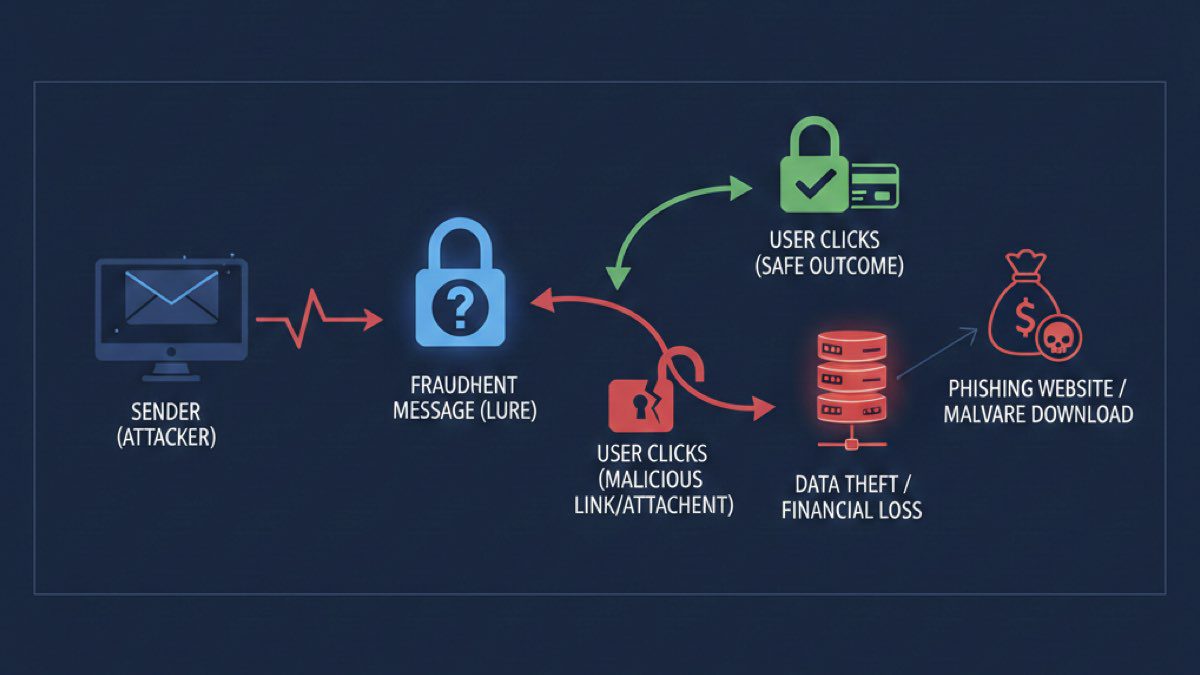
Below is a step-by-step breakdown of how phishing attacks operate:
1. Target identification and data collection
Before launching a phishing attack, hackers select a target or target group, typically preferring users with limited knowledge of cybersecurity. They then begin collecting information about targets to make the attack more convincing, such as an employee’s work email and basic information about their company.
2. Creating a phishing message
Hackers prepare a persuasive message that appears to be sent by a well-known organisation, bank, or social network. The message contains a call to action, such as checking account information or confirming payment details. Often, these emails include logos, fonts, and designs that are visually indistinguishable from genuine notifications.
3. Creating a phishing page
Sometimes, a link to a phishing site—a complete copy of a real site—is provided to increase the credibility of the email. By creating pages that look like login screens for banks or social media accounts, hackers try to steal the usernames and passwords of distracted users.
4. Sending and waiting for a response
Phishing messages are then sent to a large number of potential targets, a process known as random distribution. This can be done via email, SMS, social media messages, or even phone calls (vishing) as part of a spam campaign. Hackers monitor responses to determine the effectiveness of their attempts.
5. Collecting stolen information
If a targeted person enters their credentials into the phishing site or responds to the message, this information is transferred to malicious actors. These individuals may use the information immediately for financial transactions or sell it on the black market to other criminals.
6. Using stolen data
In the final step, hackers use the obtained information to steal money, identities, or perform other fraudulent actions, such as direct withdrawals from credit cards or taking out loans in the target’s name.
Understanding the steps taken by malicious actors to carry out a phishing attack helps you remain alert and avoid their traps.
What Data Can Be Stolen During Phishing Attacks?
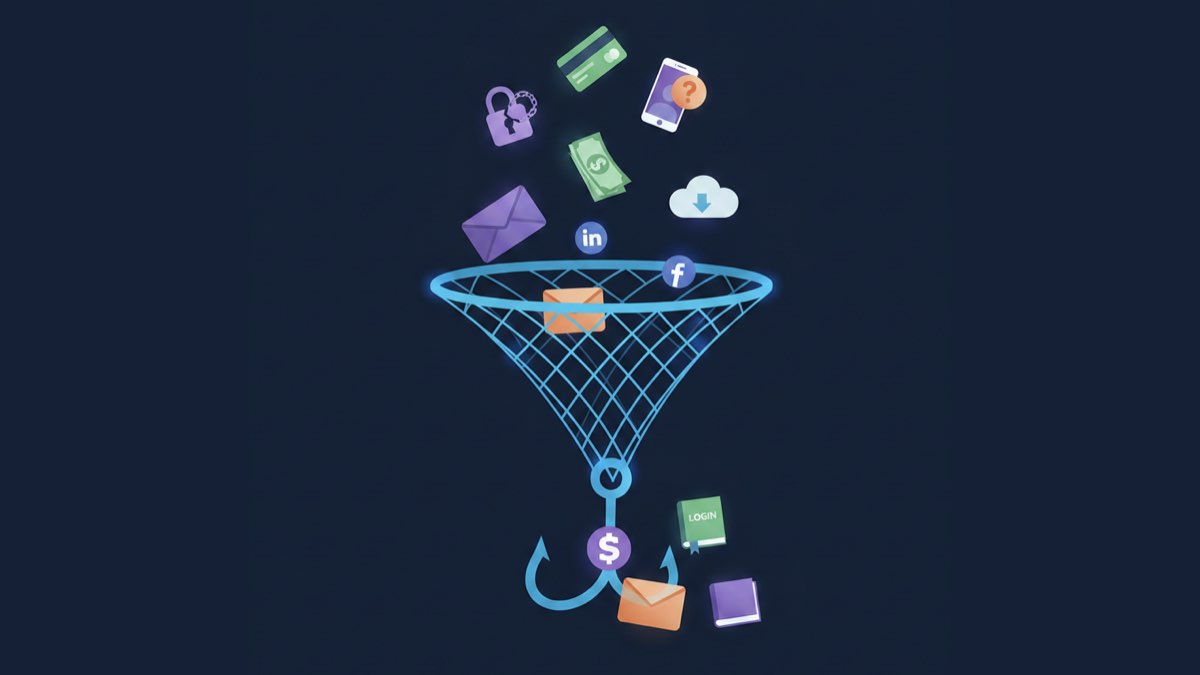
The types of data that can be compromised during phishing attacks include the following:
1. User IDs and passwords
This is perhaps the most common target of phishing. Hackers attempt to seize account credentials to access emails, social networks, bank accounts, and other online services.
2. Bank and payment information
Hackers may attack banking systems through official-looking requests or notifications. Their goal is to obtain details about bank accounts, credit cards, CVV codes, and other payment information.
3. Personal identification information
Phishing may target personal data such as full names, residential addresses, dates of birth, and phone numbers to create fake identities or for other fraud.
4. Two-factor authentication (2FA) codes
After obtaining usernames and passwords, hackers may try to seize 2FA codes to bypass an extra level of security and gain full account access.
5. Access to personal messages and contacts
Phishing attacks on social networks or email services can provide access to personal correspondence and contacts, which can be used to build a more detailed profile of the target.
6. Preferences and personal data for targeted ads
In the event of a successful attack on online stores or entertainment platforms, hackers can learn personal preferences, interests, and purchase history to create even more realistic cyberattacks.
How Can You Recognise Phishing?
There are several rules and tips to help you identify phishing, including the following:
1. Phishing in email
First, check the body of the email for spelling and grammar mistakes, ensure the domain name it was sent from is spelled correctly, and check the sender. Phishers may use similar email addresses to mimic official senders.
2. Examine hyperlinks in emails
Ensure the link in the destination URL matches what is written in the email. On a desktop, the destination URL is displayed in a pop-up when you hover the cursor over a hyperlink. Be cautious when clicking on shortened links or those containing strange characters. On mobile devices, hold your finger on a hyperlink briefly to preview the URL. On websites, hovering over a link will display the destination URL in the bottom left corner of the browser window.
Phishing always looks suspicious. If you have any doubts, you must verify the authenticity.
How to Protect Yourself from Phishing Attacks?
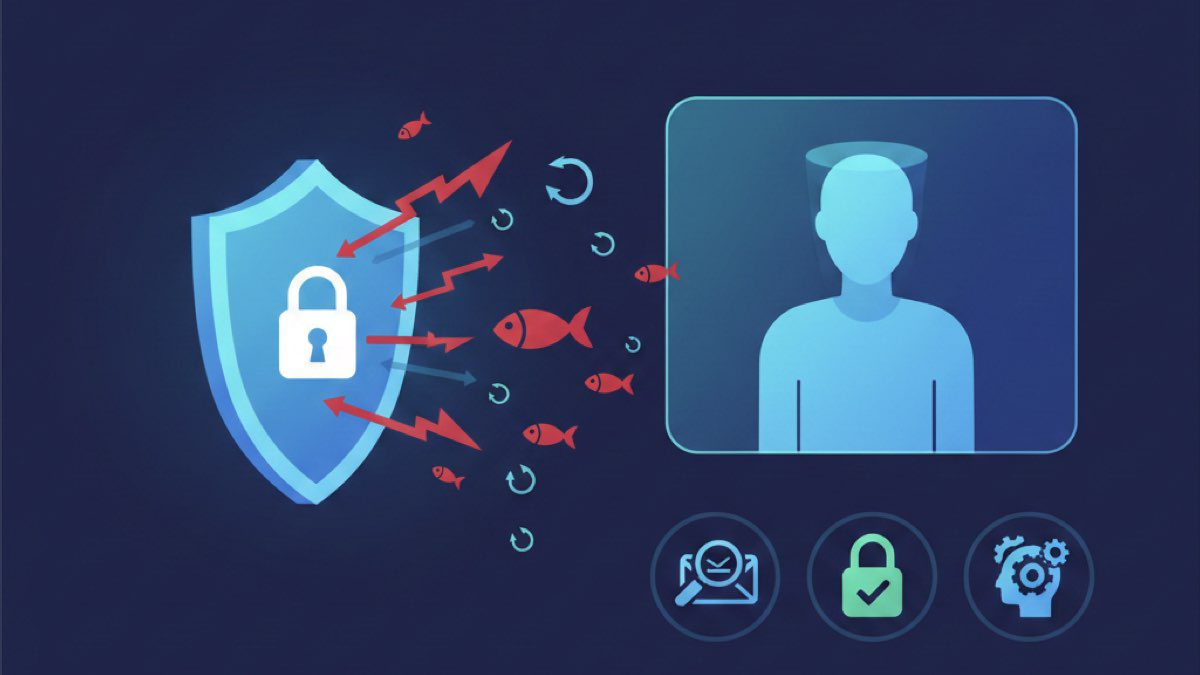
Phishing attacks are becoming increasingly complex, and staying safe in the digital world requires the conscious application of protection strategies. Basic principles and tips for protection include:
1. Staff training
One of the most important aspects of protection is teaching employees and users the basics of cybersecurity. Regular training and testing help increase awareness and help people recognise the characteristics of phishing attacks. You can test your employees’ reactions by performing an attack simulation, such as sending emails from a similar address to yours asking for confidential information.
2. Be careful when opening emails
Email is a primary channel for phishing. Be cautious with suspicious messages, especially from unknown senders. Do not open attachments or click links in emails that seem suspicious or ask for personal data.
3. Checking URL addresses
Before entering personal or payment details into web forms, ensure you are on the official website. Carefully check the URL in the browser’s address bar; phishing sites often use similar addresses.
4. Using antivirus software
Reliable antivirus software is a key component in the fight against phishing, as these programs can detect and block malicious files and warn you about suspicious websites.
5. Two-factor authentication
Enable 2FA for your accounts whenever possible to add an extra layer of security via a code or an additional device.
Social networks are often used for social phishing. Be wary of friend requests or messages from unknown profiles and do not share personal information in public posts.
7. Keep software updated
Regularly update operating systems, antivirus software, and applications, as updates often contain security patches for vulnerabilities.
8. Checking the authenticity of messages
If you receive an email from your bank or another institution you do business with, verify its authenticity by contacting the organisation directly using official contact information.
9. Choose a reliable email service
Free email providers are very vulnerable. Companies, in particular, need to choose a secure corporate email provider.
This is where Fast Panda comes in. Fast Panda offers various corporate email plans to meet different needs, providing large storage space, advanced spam filtering, antivirus protection, and mobile-compatible solutions. Additionally, features such as encryption and backups ensure your corporate emails remain secure and accessible.
Protecting yourself from phishing requires care, education, and adherence to basic cybersecurity principles. Remaining alert and implementing modern protection methods will help minimise the risks of phishing attacks and ensure secure interaction in the digital world.