Create your WordPress site with AI in 60 seconds.


























Despite its long history and the emergence of new alternative technologies, email remains one of the most current methods of communication. Email is not only an integral part of business processes but also indispensable for daily communication. This is why almost everyone today has multiple email addresses. However, this widespread use of email brings with it some problems.
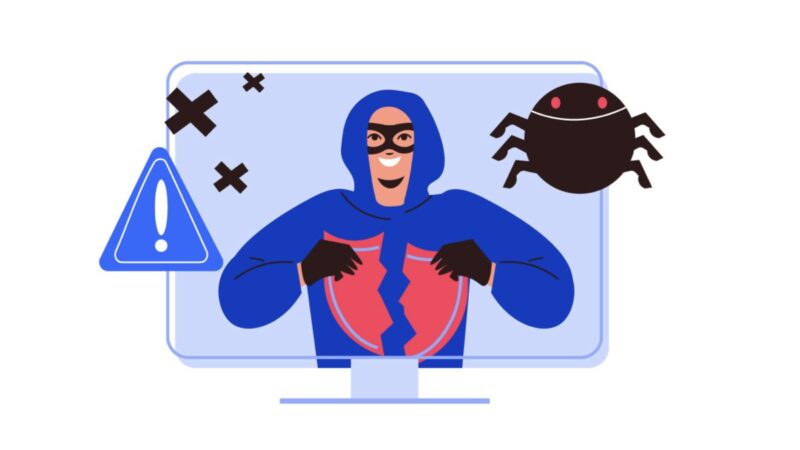
Emails have become a common vehicle for the spread of viruses, spam, and phishing attacks. Phishing attacks involve using fraudulent messages to encourage recipients to disclose confidential information, open attachments, or click on a dangerous link.
Business email, in particular, is often a weak point used by malicious actors to gain access to a business’s corporate network and sensitive internal data.
In addition, business email servers can also be targeted by cyberattacks and even completely shut down. For an online store that takes orders via email, or any service requiring registration confirmation via email, this situation can lead to serious losses and damage to reputation.
What Is Email Security?
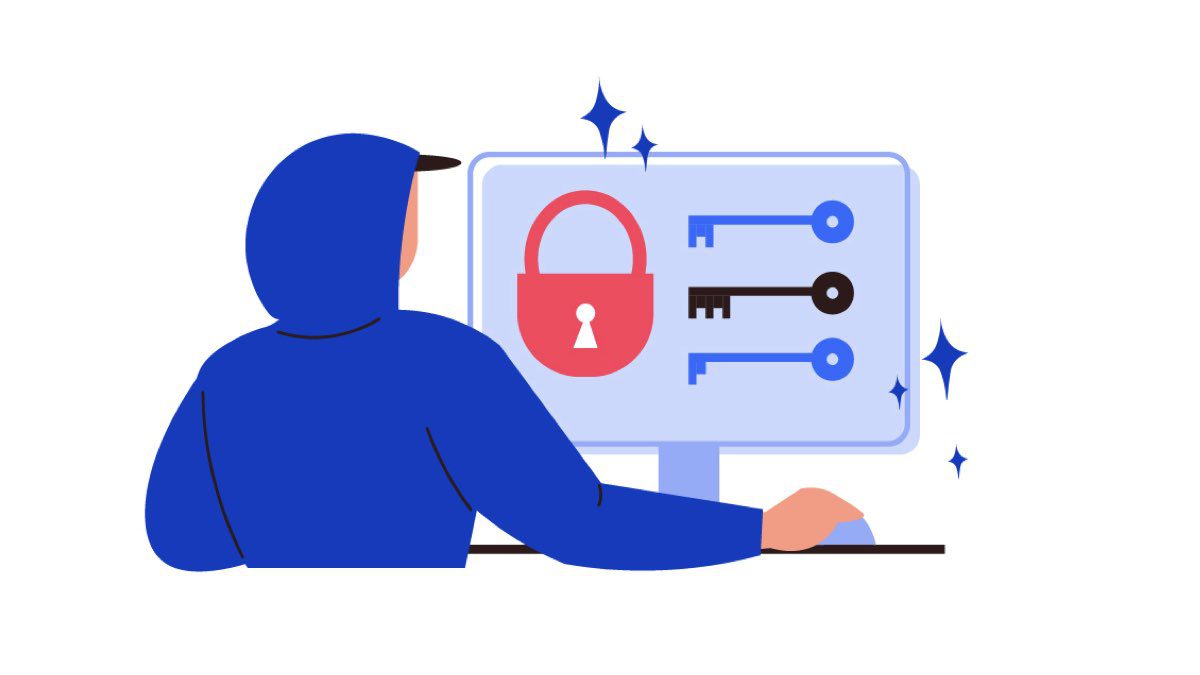
Email security is the practice of protecting email accounts and messages from cyber threats. In other words, it refers to the measures taken to prevent cyberattacks and spam distribution via email. This includes safeguarding mailboxes against hacking, preventing phishing attacks, blocking the delivery of malware, filtering spam, and encrypting email content to prevent unauthorized access.
Despite the widespread use of email, security and privacy features are not activated by default, making email a common entry point for malicious actors targeting businesses of all sizes, and even individuals.
Why is it Important for Businesses to Protect Their Emails?
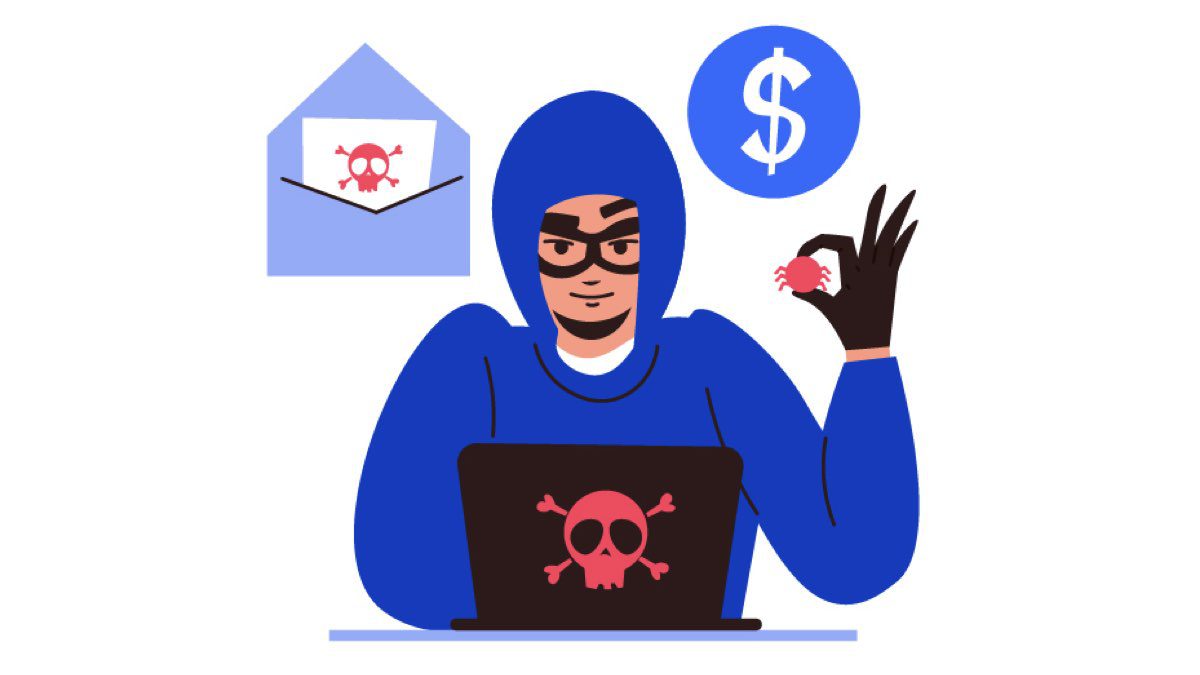
Hackers use various methods to infiltrate user systems and business networks. They try to trick employees into clicking on malicious links or entering their personal and professional information via business email. To prevent these situations, you need to be aware of the most common types of cyberattacks carried out through email.
Below are some of the most common types of cyberattacks carried out via email:
Phishing Attacks
Phishing attacks can come in different forms, each appearing to originate from a legitimate source, a popular brand, or a well-known person, asking users to click on malicious links or enter their personal information. When a user clicks on such links or shares their personal information, malicious code can infect their device via email.
To mitigate this risk, it is crucial to implement appropriate business email authentication measures like DMARC. This helps ensure that only legitimate emails reach users, preventing phishing attempts.
Business Email Compromise (BEC)
Business Email Compromise (BEC) is when hackers gain unauthorized access to business email accounts, impersonate others, and pressure employees to perform specific actions. A type of BEC, CEO Fraud, involves impersonating the CEO to send emails to employees, asking them to enter information, transfer money, or navigate to malicious links.
Spam Spam is not inherently a malicious activity; it is an advertising method used to promote products and services to a customer base. However, this type of unsolicited mail is often used to spread malware and viruses. To prevent email spam, you must carefully monitor your domain’s security and regularly check email verification protocols like SPF, DKIM, and DMARC.
Malware (Malicious Software)
Hackers can send malware through various means. Spyware, adware, and ransomware are a few examples of malware spread via email attachments. One of the most popular methods is to embed malware into a seemingly harmless file format, such as a PDF or Word document. Both file types allow for the inclusion of code, including macros, which can be used by malicious actors to install and run malware on the recipient’s computer.
In recent years, most ransomware infection cases have started from malicious attachments sent via email. For example, Ryuk ransomware often infiltrates the network via TrickBot or Emotet, which are spread through email attachments. Similarly, Maze malware also uses this method to penetrate networks.
Why Email Security Forms the Foundation of Your Cybersecurity Plan
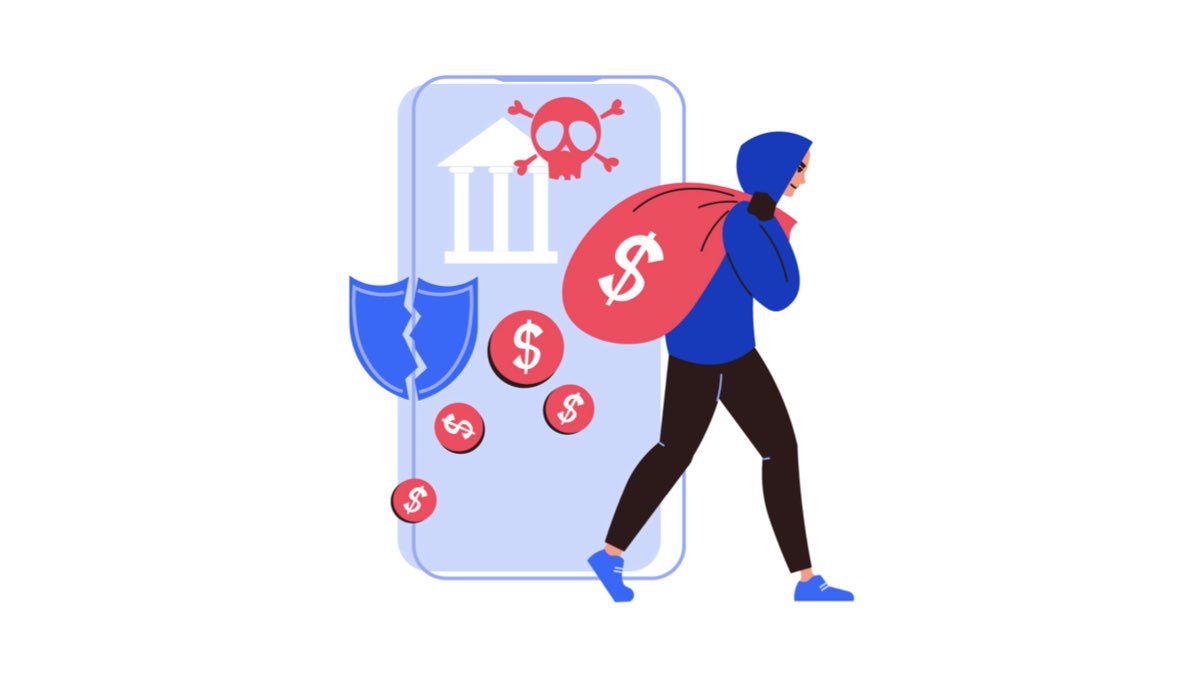
Today, most businesses still rely heavily on email to maintain their daily communications. Therefore, businesses of all sizes need to adopt and implement business email security solutions.
- Mail Security helps email services stay online, ensuring communication with customers continues. Thus, it is indispensable for business continuity and uninterrupted information flow.
- Email authentication methods (like SPF, DKIM, DMARC) increase brand trust by guaranteeing to employees and customers that emails sent from the business domain are legitimate.
- Preventing attacks such as impersonation, phishing, and Business Email Compromise (BEC) is among the most important goals of business email security.
- If the email platform used has sufficient security features, the probability of malware infection via email can be reduced.
- It provides a defence against phishing attempts that mislead employees into sharing confidential information or downloading malicious software.
How to Ensure Email Security: Best Practice Tips
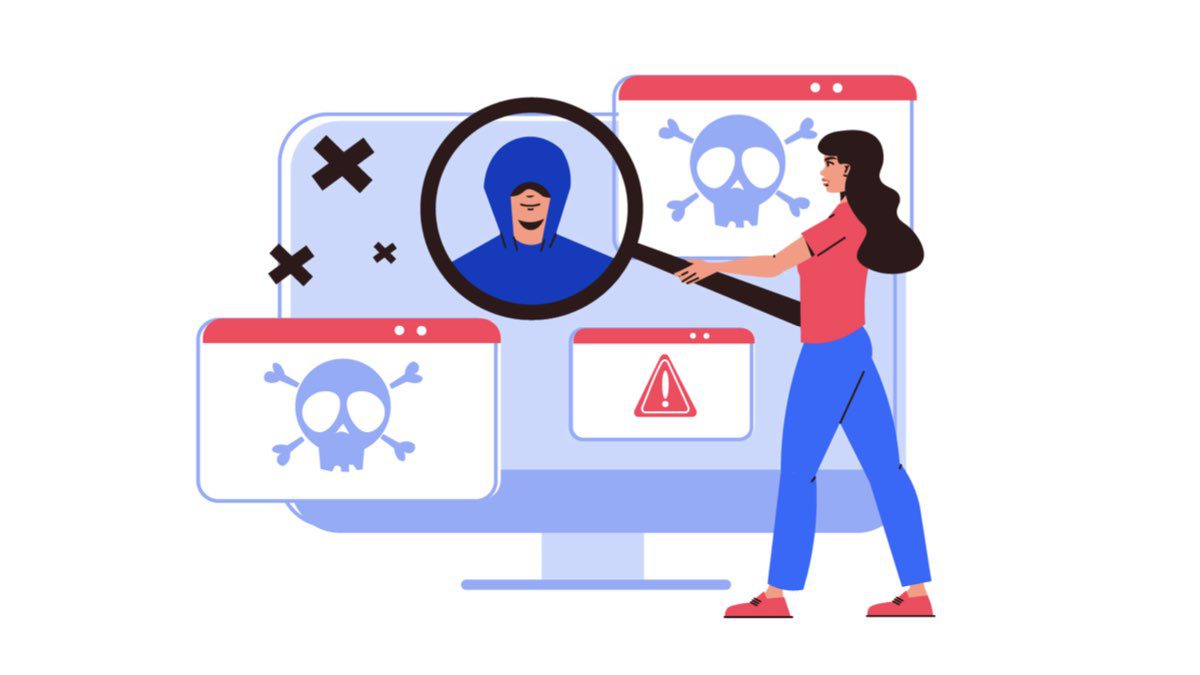
By implementing the tips listed below, you can protect your emails from potential cyberattacks and prevent your personal or business data from falling into the hands of malicious actors.
Use Separate Email Accounts
It may seem sufficient to use a single email address for registering on various sites, receiving notifications, newsletters, messages, and business correspondence. However, this is not a good practice. The large number of emails users receive every day makes email management difficult. When the mailbox is overloaded, it is much harder to find the email you are looking for. For instance, using a single account for personal and business correspondence increases the risk of accidentally sending a purely personal email to your customers. Therefore, it is ideal to have several accounts for different purposes. This not only enhances email security but also increases efficiency.
Use a Virtual Private Network (VPN)
The best thing you can do to secure your computer and email correspondence is to use a VPN. Virtual private network encryption protocols ensure anonymity and privacy online, protecting emails against hacking and information theft. Since a VPN conceals the IP address, it is nearly impossible to track the user’s online activities. The most significant advantage of high-quality VPN services is that they protect all data, not just emails. Reliable VPN services are usually paid, but you can also find free versions online.
Do Not Neglect Password Security
If you have multiple email accounts but use the same password for all of them, it defeats the purpose. If one of your accounts is hacked, hackers can easily steal information from your other accounts. Therefore, you need to create a unique password for each account. To create a truly reliable password, avoid using dictionary words or anything related to your personal data. Instead, create a long password consisting of random letters, numbers, and symbols—which you can generate using tools like passwordsgenerator.net—and use a password manager to remember the new complex passwords.
Be Wary of Phishing
Phishing is a type of cybercrime where scammers contact users via email, impersonating well-known websites (e.g., eBay, Amazon, Facebook, etc.). Under the pretext of account issues or authentication, they ask you to submit confidential information such as personal details, payment information, credit card data, or passwords. Therefore, never open or fall for phishing emails. Always be cautious when asked to provide account information or update your username and password. Before taking any action, carefully examine the source and ensure it is legitimate.
Never Click on Links in Emails
If you did not expect an email for registration or account activation from a website, and the incoming email contains a link, you should 99% of the time not click on that link. The same applies to spam messages that include links offering any service or product. You should never click on these links, as their destination is unknown. Also, if you receive an email requesting payment from a bank or another service, you should not click on the link provided. If you want to be sure, you can manually type the address into the internet browser’s search bar as an alternative.
Do Not Open Unwanted Attachments
Take care not to open attachments in emails if you do not know the sender. Do not trust such emails, even if the attached file looks innocent. Opening files from unknown sources can make your computer vulnerable to viruses.
Use Antivirus Programs to Protect Your Computer
Ensure your computer has up-to-date antivirus software with a strong spam filter installed to block phishing messages. Most good antivirus programs protect the computer if a malicious file is accidentally opened and scan the downloaded file before opening it to ensure it is safe.
Avoid Public Wi-Fi Hotspots
Do not check your emails while using public Wi-Fi. There are specialized programs called packet sniffers that monitor all wireless connections passing through a specific network. Data obtained this way can be analyzed by fraudsters to acquire usernames and passwords.
Do Not Reply to Suspicious Emails
Some spam emails are more harmful than others. For example, if you receive an email claiming you won a large lottery prize or that you have acquaintances who lost their passport in another country, never reply. The purpose of these emails is to steal information related to you or your bank account.